Our Location
304 North Cardinal St.
Dorchester Center, MA 02124


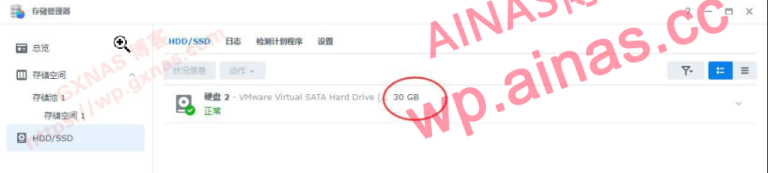
When a Black Synology system is installed on a virtual machine such as ESXI or PVE, a virtual disk is allocated to the Synology virtual machine. It was not planned well at the beginning, and the space for the Synology…
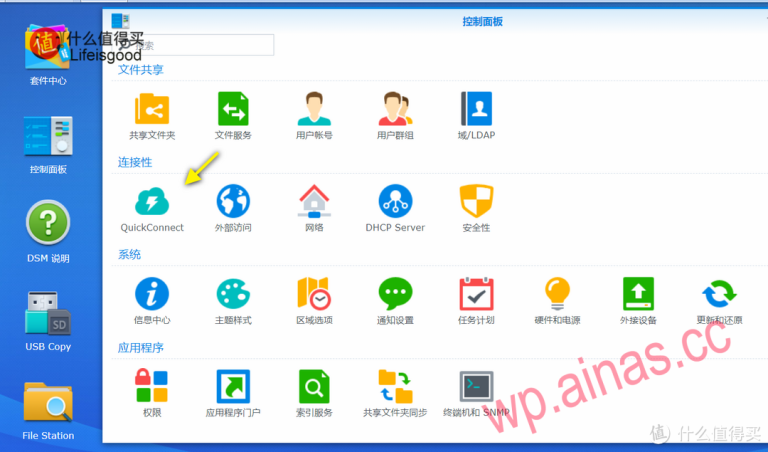
1. QuickConnect tips: The above is Synology’s official explanation of QuickConnect. Simply put, QuickConnect is a benefit for genuine Synology users, allowing entry-level users to easily penetrate the intranet and remotely access Synology NAS resources on the external network. This…
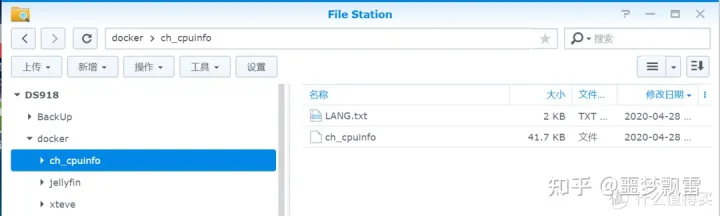
Operation process 1. Download firstch_cpuinfo patch package, pay attention to the version number 2. Upload ch_cpuinfo (ch_cpuinfo_dsm7 for DSM7) to the NAS shared folder. Here I randomly selected the docker folder under volume1. Just find a shared folder and upload…
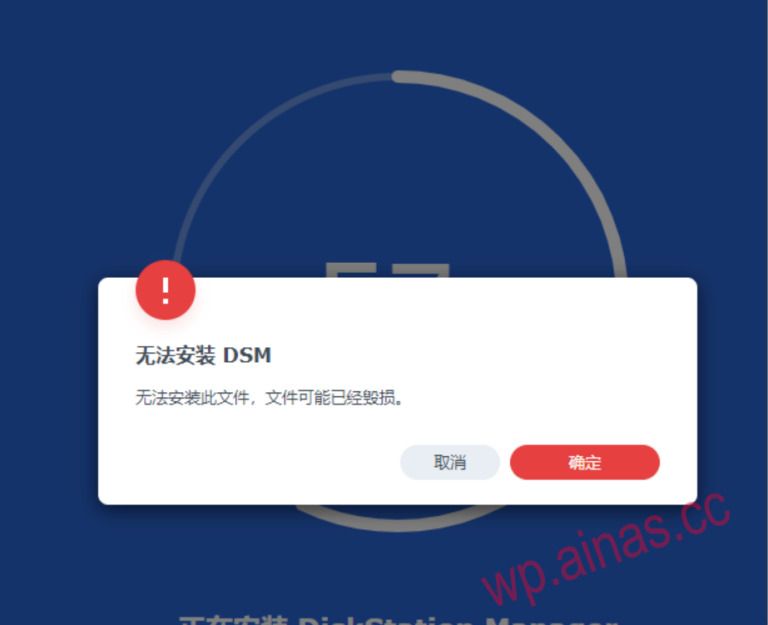
Execution steps In the 55% error interface, use telent to log in to the NAS IP address, the user name is root, and the password is empty. cat /proc/partitions Record the 3 values of sda (see the picture below) Several…

How to operate 1. First confirm whether Synology ssh is open. If it is open, you need to firstEnable root login permissions, if the root permission is not enabled, please makePE tool tray, enter the PE system, and use diskgenius…

Preparation: First of all, you need to have a Synology NAS, whether it’s black or white, it doesn’t matter. Please explain, the directory on your Synology hard drive cannot span drives, cannot span drives, and cannot span drives. The important…
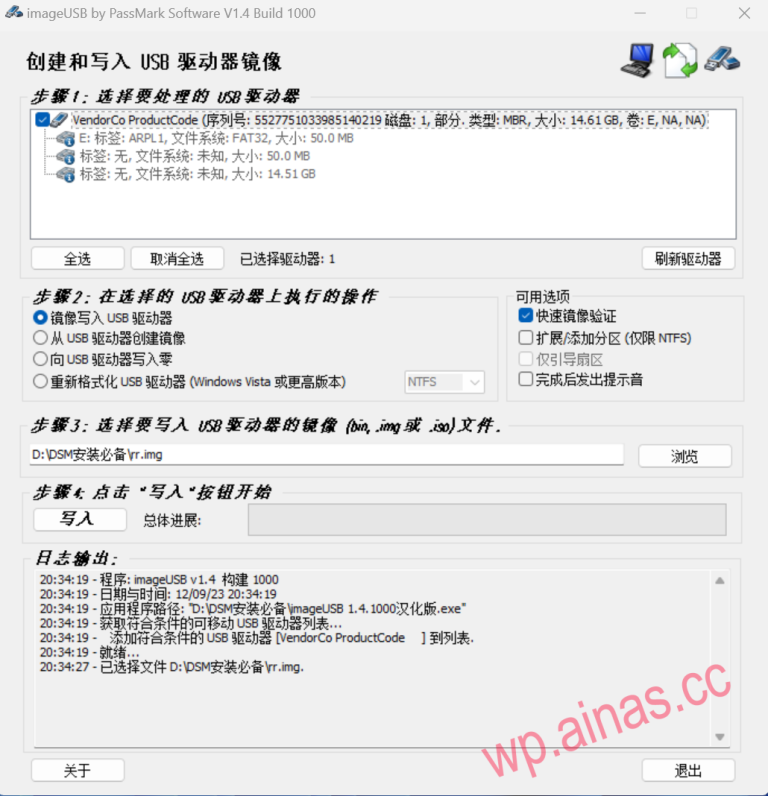
1. Preparation work before compilation 1. RR translation system download address:RR download Essential downloads for DSM installation 2. github address: 3. PAT installation file download address: 2. Make a bootable USB disk 1. Download and unzip the latest version of…

1. Download the boot and installation files Download Center 2. UNRAID creates a new virtual machine 1. Check the ID of the hard drive that requires pass-through. If you do not need pass-through, you can skip it. Click on the…
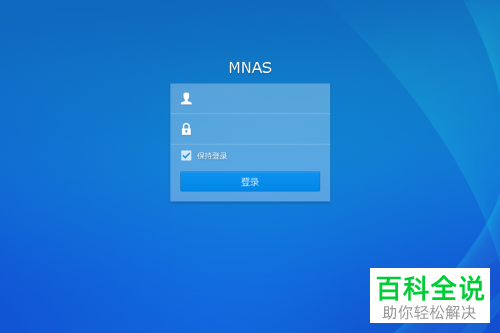
The specific steps are as follows: 1. Open the Synology management interface, and the login module as shown below will appear. Enter the account and password information to log in. 2. After logging in, enter the interface and find the…
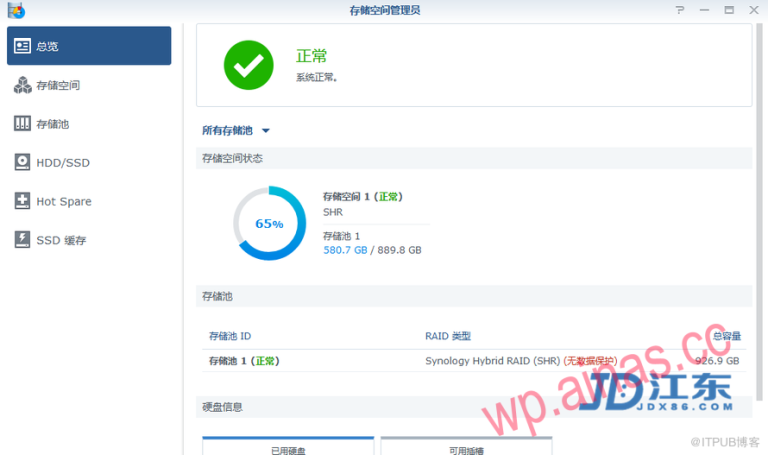
Storage spaces are basic storage spaces on Synology NAS, built on storage pools. Before creating a storage space, you need to create a storage pool. For Synology NAS models that support quick creation mode, storage spaces and storage pools can…