Our Location
304 North Cardinal St.
Dorchester Center, MA 02124


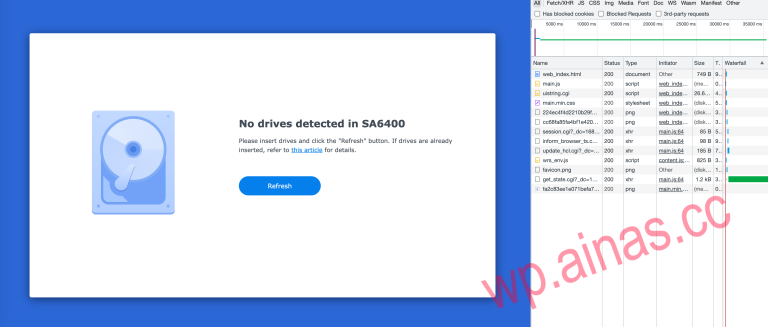
How to create a pure NVMe solid state Synology Target: Pure NVMe solid-state Synology In the known Synology systems, M.2 NVMe can only be used as a storage pool, and does not support first-time installation of the system as a…
Synology DSM 7.2 has many application and functional updates and enhancements compared to DSM 6.2. The following are some major updates: 1. Storage Manager 2. Synology Photos 3. Active Insight 4. Synology Hybrid Share 5. Active Backup Suite 6.Synology Drive…
Tutorial on forcibly calling public network IPV4 access (bandwidth 100-150M, highly recommended for use without public network) Use AiNas-FRP internal and external penetration service (100-200M shared bandwidth) Synology sets up public network IPv6 mode domain name resolution access A simple…
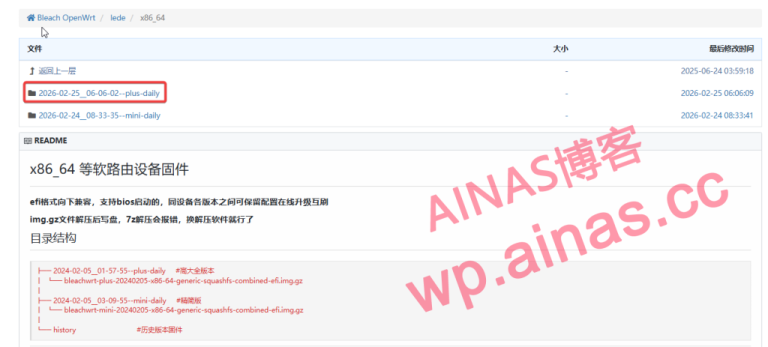
1. Install Openwrt What is used here is the compiled integrated version.Download address, because it is a virtual machine without hardware specifications restrictions, it is recommended to download the full version. What is downloaded is.gzpackage,Mac’s built-in compression cannot be decompressed,…

Recommended client Android software apple software computer software Findroid mobile version (recommended)Version: v0.15.3 • Size: 36MFindroid is Jellyfin’s third-party Android application. No lag in playback, suitable for low-end NAS Yamby mobile version (recommended)Version: v1.6.4.5 • Size: 26.8MBYamby is Jellyfin’s third-party…
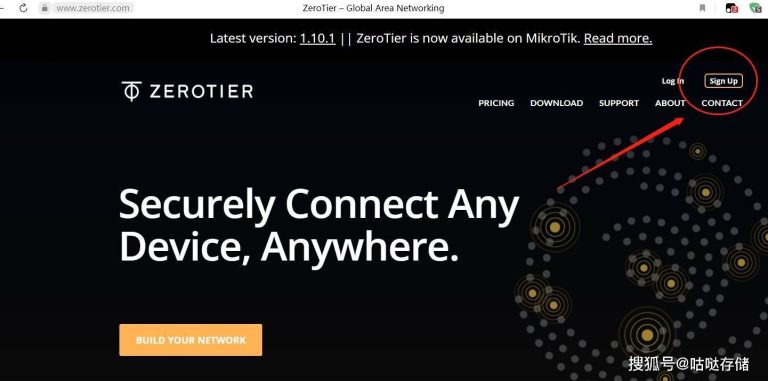
Black Group users can access NAS from the outside by installing ZeroTier. The deployment is simple and free, and supports multiple platforms. ZeroTier has a limit on the number of devices that can be connected, but 25 is enough for…
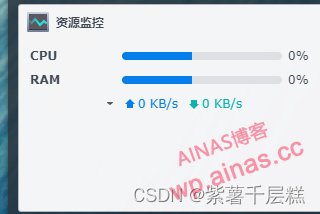
You can use these three to view the exception logs of resource monitoring systemctl restart snmpd systemctl status snmpd.service journalctl -xe My exception: Google found the following code mv .bk systemctl restart snmpd systemctl status snmpd Enter these three…
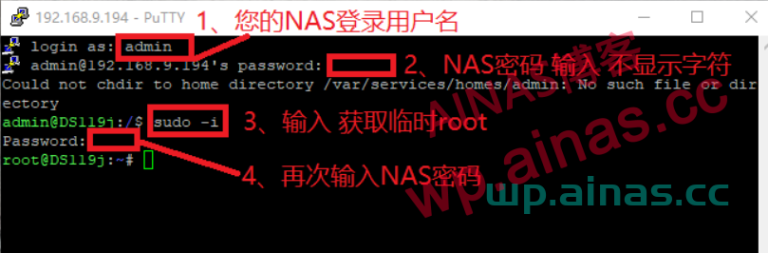
1. SSH login to Synology backend 2. Execute one-click modification of MAC and SN codes wget -O cm360macsn.sh && bash cm360macsn.sh 00:11:32:11:22:33 2140QEN173201
Step 1: Log in to Synology via SSH and use sudo-i to switch to root permissions. There are many forum tutorials and I won’t repeat them here. Step 2: Use the command to modify the status of the admin account…
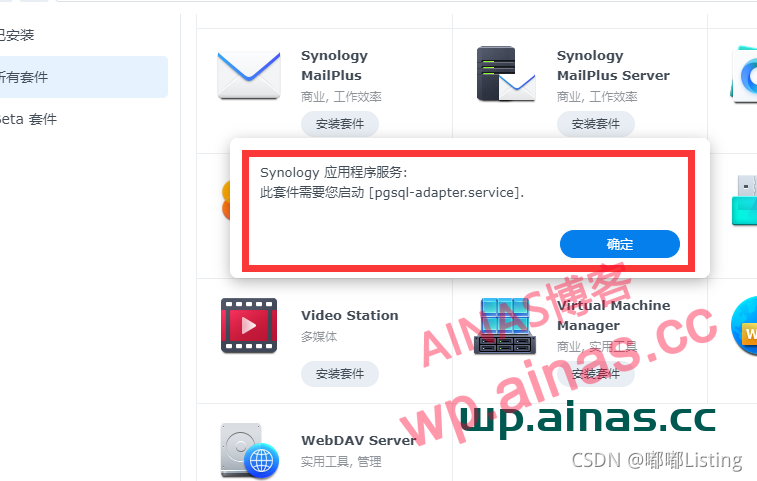
1. Enter Synology through SSH tool I am using Xshell here Any ssh tool can be used. If you don’t know how to use it, please learn it by yourself. xxx@xxx:/$ sudo -i Password: root@xxx:~# The password here is…