Our Location
304 North Cardinal St.
Dorchester Center, MA 02124

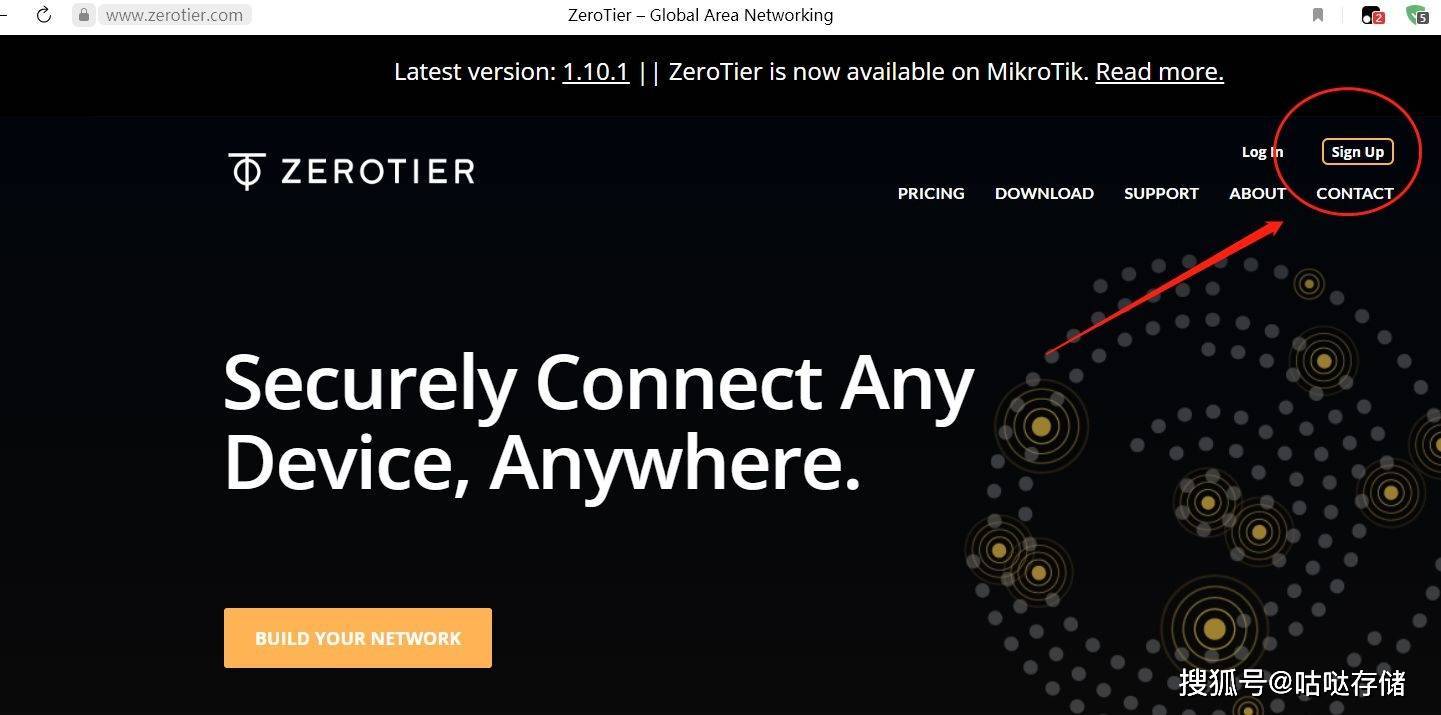
Black Group users can access NAS from the outside by installing ZeroTier. The deployment is simple and free, and supports multiple platforms. ZeroTier has a limit on the number of devices that can be connected, but 25 is enough for most people. Intranet penetration can also be achieved through VPS.
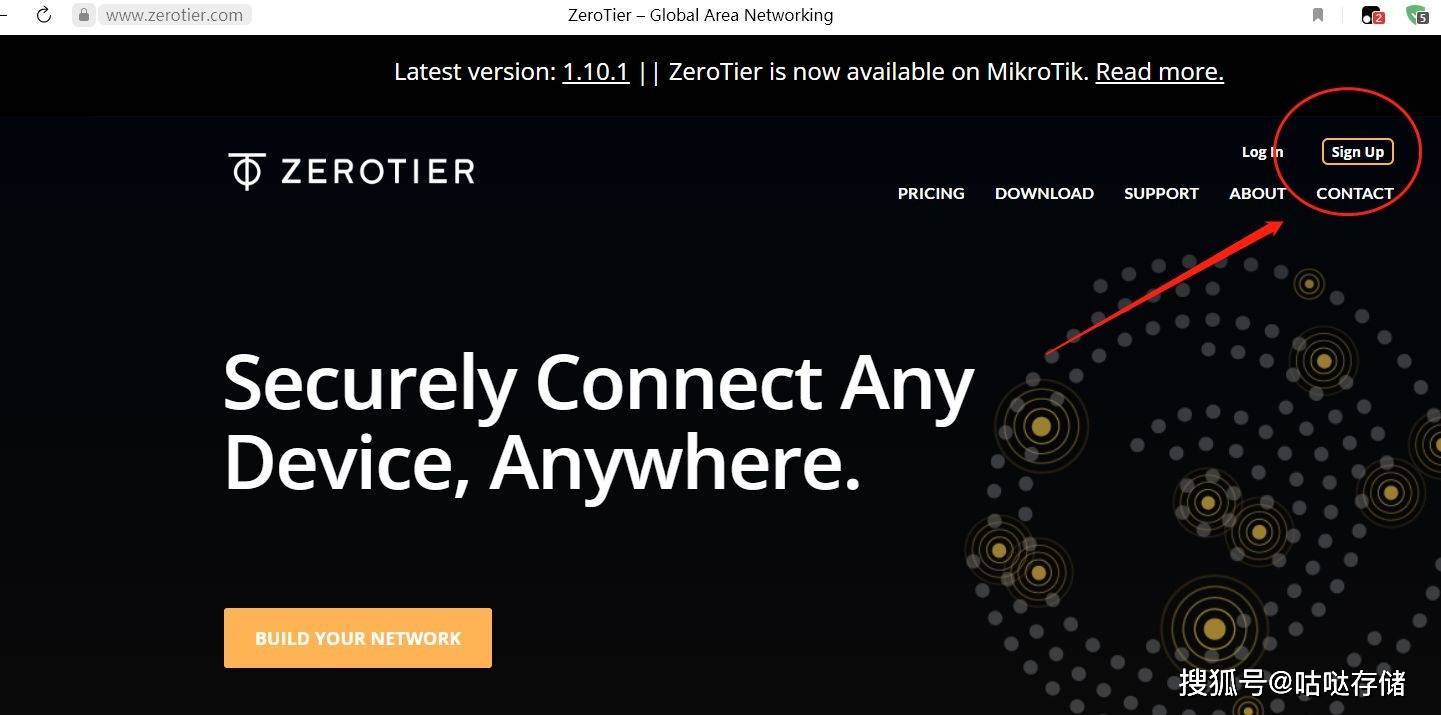
Click sign up to enter the account registration page
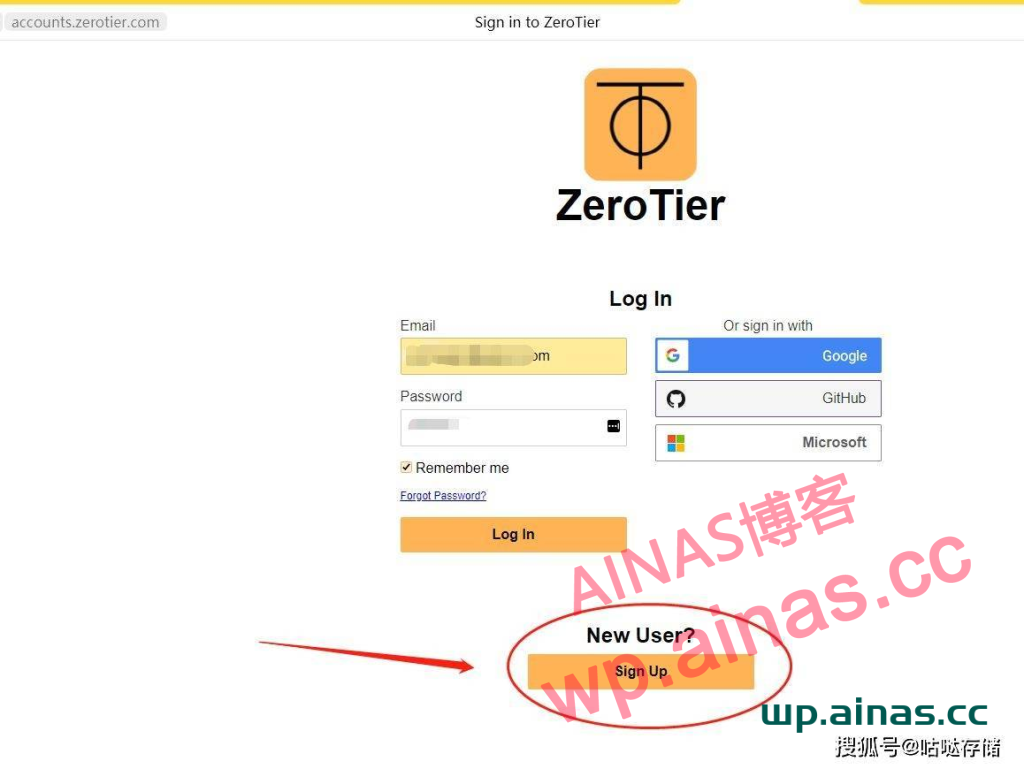
On the account registration page, click Register below. The one above is to log in. If you already have an account, you can log in directly.
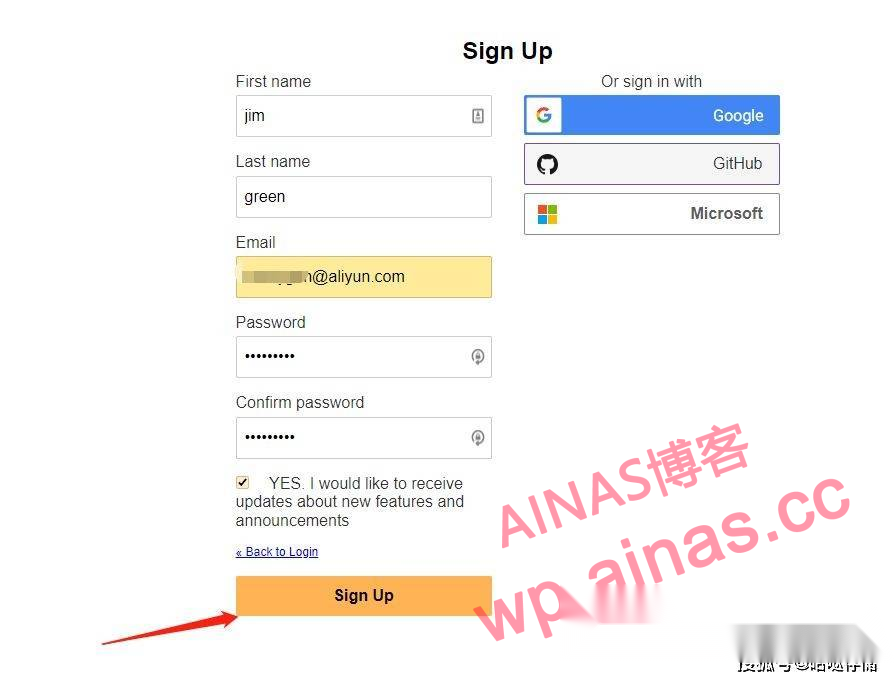
On the registration page, just use email to register. Just write your name or whatever.
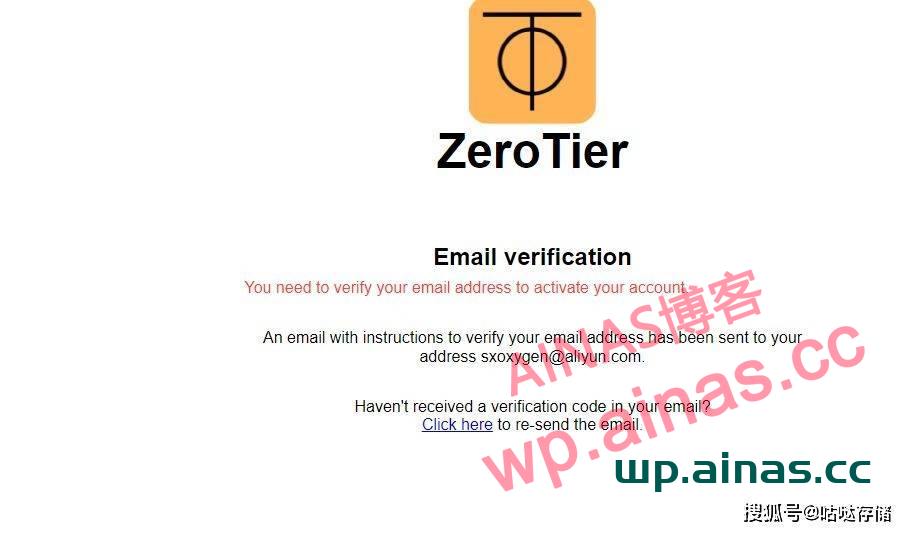
Then go to your email and click the confirmation link to complete the registration.
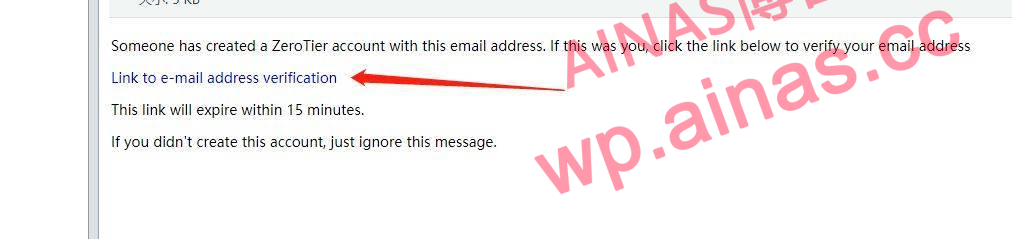
Open the email, click the confirmation link, and a web page will pop up automatically.
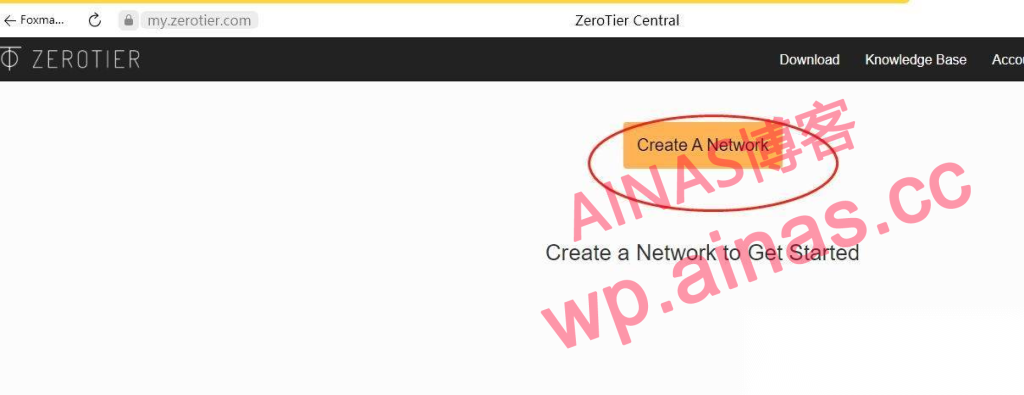
Automatically enter the link to create the network. Click Create Network.
2. Create a network:
Click Create a Network in the picture, or log in to the ZREOTIER backend. You can also create a network in NETWORK, Create a Network.
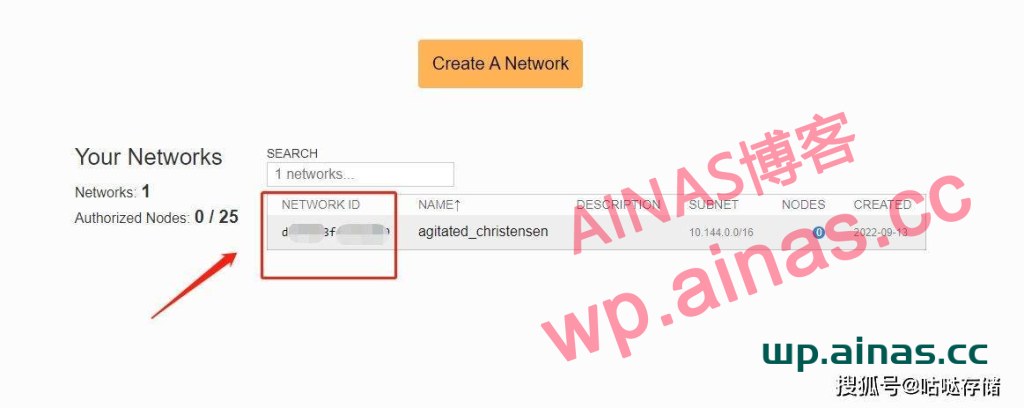
After clicking, a network is automatically created successfully. Record or copy the network id, which will be used later.
1. Open the package center, set it up as shown in the figure, add the 3-party package source, and confirm. There will be community options.
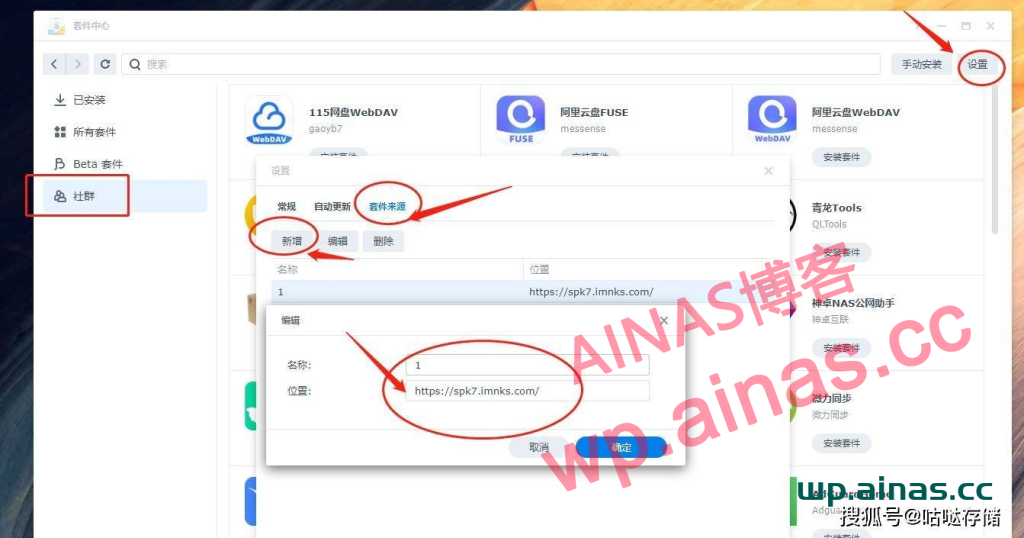
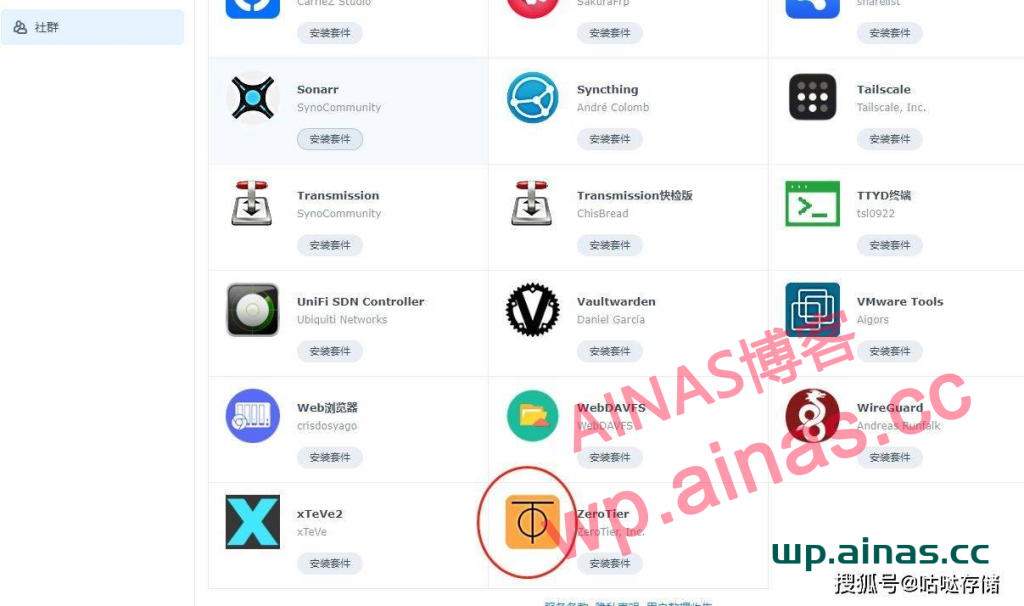
Find the zerotier package at the bottom, click to install the package, agree to the agreement, next step, etc. The automatic installation ends.
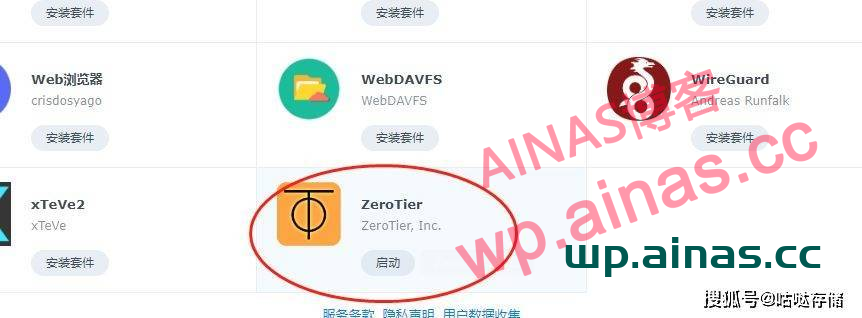
After the installation is complete, the zerotier package shows that it is starting, so ignore it, because it requires SSH to repair, and clicking Start before repairing has no effect.
2. Use SSH to repair zerotier
SSH into Synology and obtain root permissions, tutorial:Synology uses SSH terminal to connect and obtain root privileges
3: Enter the command:
sed -i 's/package/root/g' /var/packages/zerotier/conf/privilegePress Enter, you can directly copy the red text command above, and then right-click the mouse after the putty command line to paste it. Then press Enter to confirm.
There is no need to close the putty software, you will need to use it later.
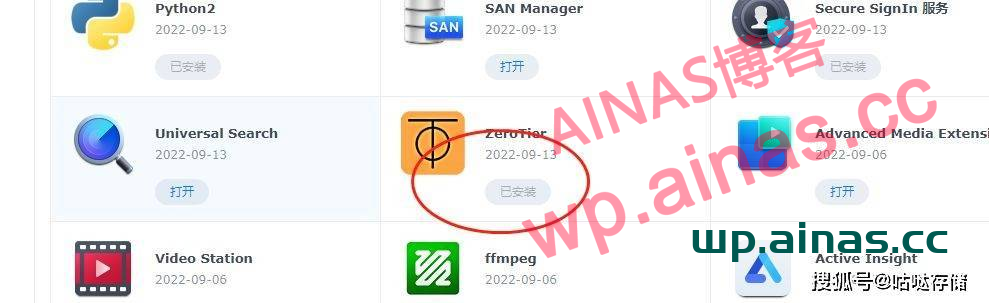
In the package center, the package has been installed, click zerotier to start it, and it will become “installed” after repairing as shown.
4. Add ID
There is no need to add it to the UI interface of zerotier, because v1.8.7 has no UI interface and requires SSH writing. Continue to enter in the putty interface above
cd /var/packages/zerotier/target/bin./zerotier-one -q join XXXX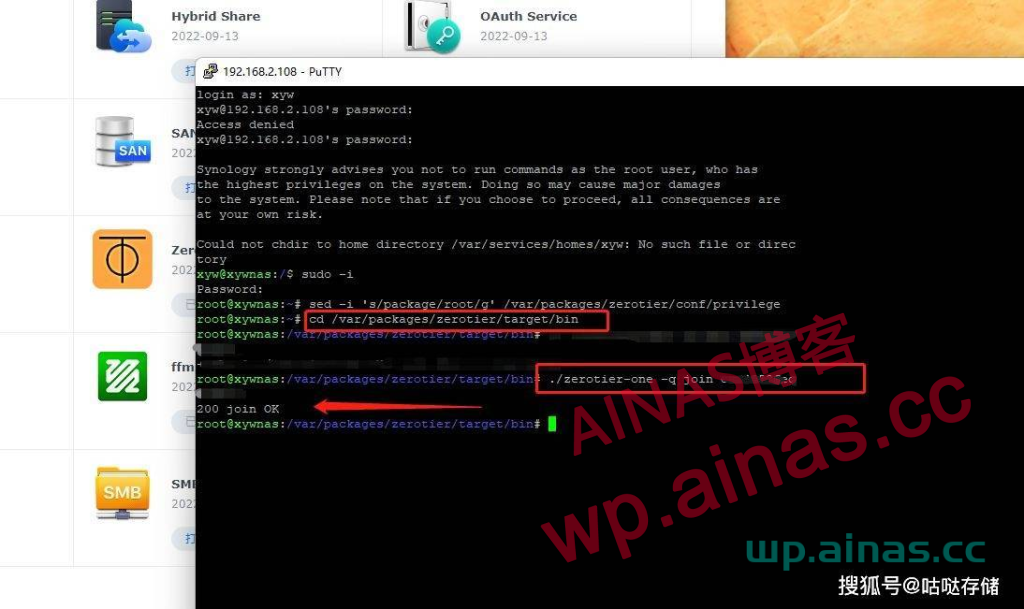
Copy the red letter part of the command, pay attention to the second command: ./, and this so-and-so is the 16-digit Network ID of your own zerotier, replace it with your own id. After success, a 200 join OK prompt appears.
https://www.zerotier.com/download/
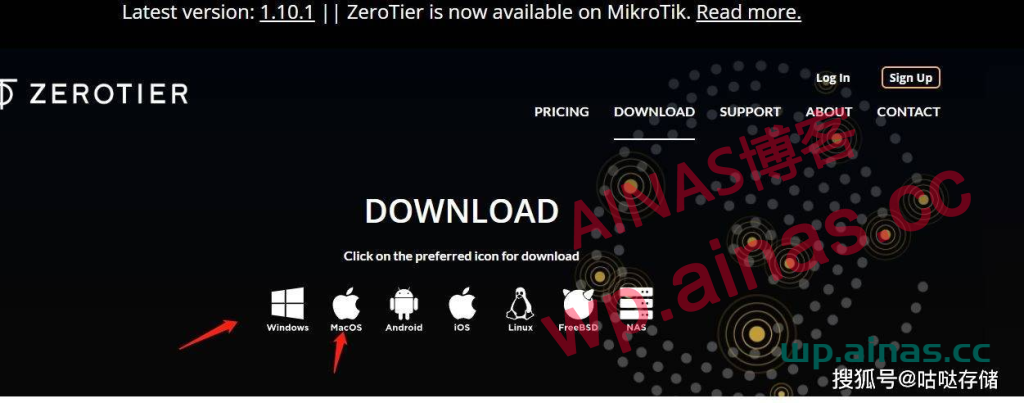
Just click to download according to the system you are using. This article uses the Windows system.
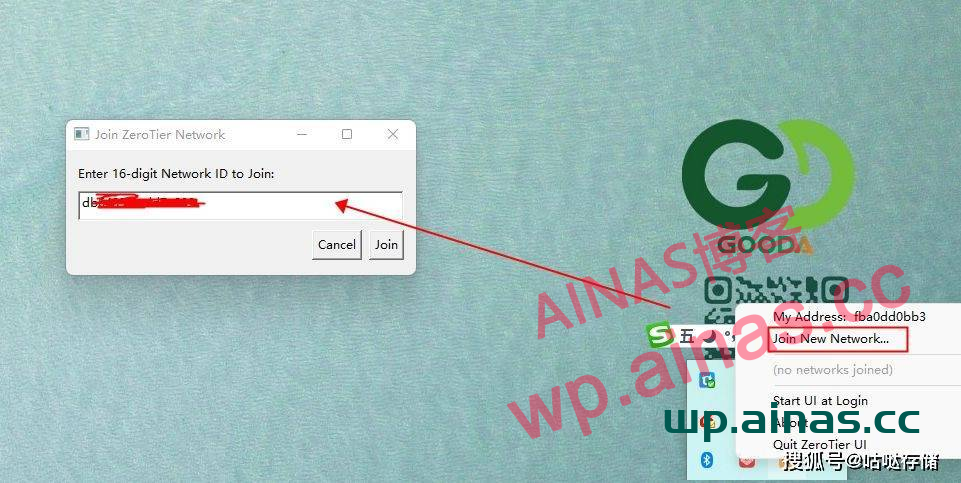
There is no prompt when the download is double-clicked and the installation is completed. Find the installed zerotier in the start menu and open it.
Right-click it on the tray in the lower right corner, select Joinnew Network, enter the 16-character ID created above, and click join.
1. In the ZEROTIER background, check the box to associate and activate the joined device.
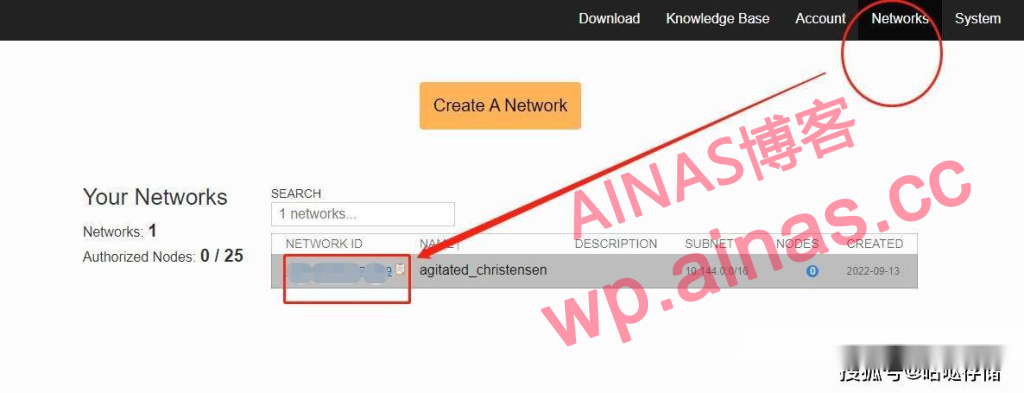
2. Log in to your original zerotier account on the computer, find Networks, you can see your 16-digit ID, click on the ID to enter the web page.
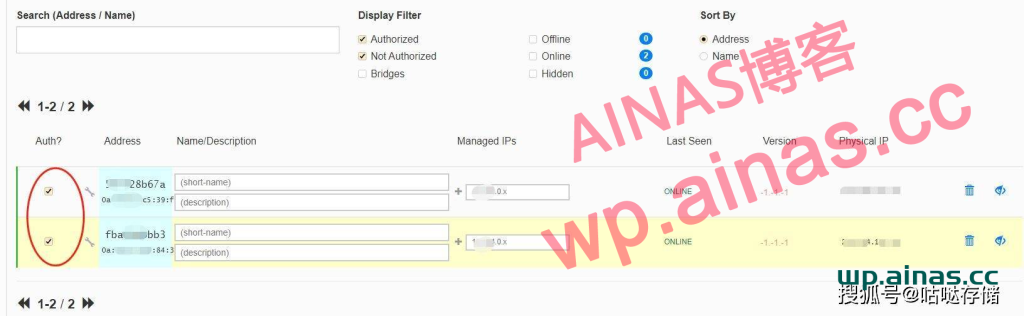
3. Scroll down the web page, find this location, and put a check in front of the device.
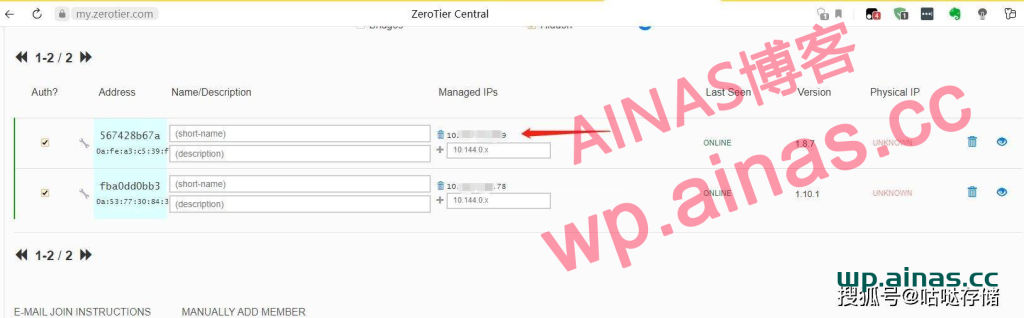
4. Refresh the web page after a while. Note that an IP will appear at the location pointed by the arrow. Enter this IP directly into the browser address bar to remotely access the NAS host.
Note that many partners cannot access the NAS after entering the IP address in the browser? ! The accessed computer needs to open the installed zerotier pc client. And as explained in the first section, your 16-bit ID is added.
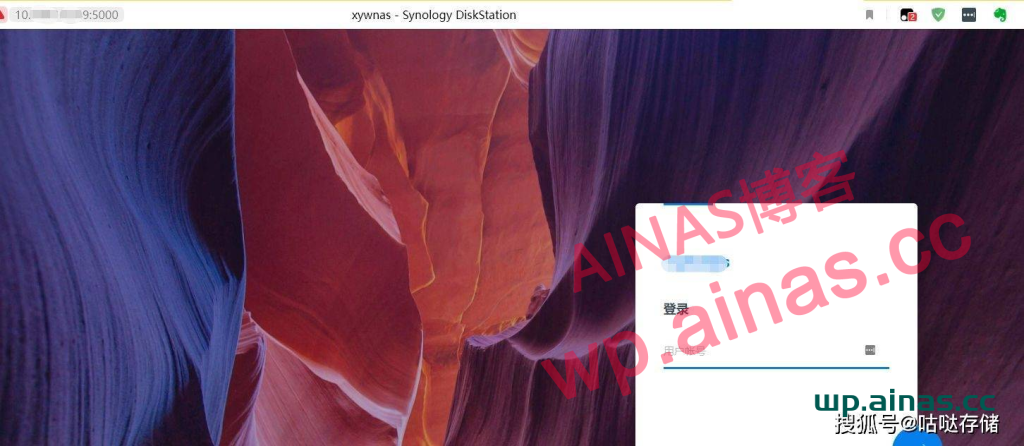
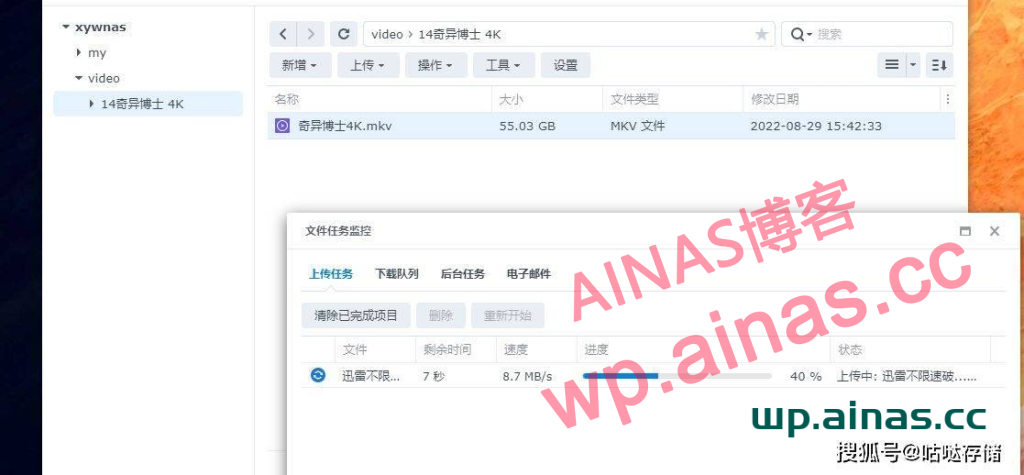
When testing accessing the NAS outside, the actual transmission speed is around 8MB. This should be an extremely high speed because the test environment uses a public IP address. Specific use shall prevail. But this new version is at least twice as fast as Shenzhuo Remote.
1. Apple mobile phone
For the Apple APP, you need to log in to a US account to download ZeroTier One. This app cannot be found in the country. Please use your own search for specific US accounts.
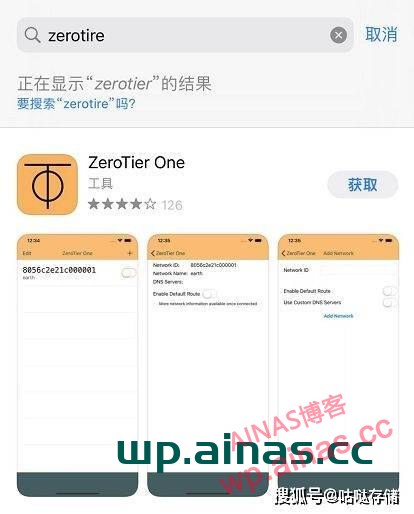
Click to get the installation app
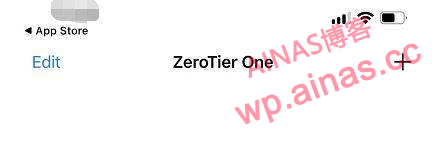
There is only this after the installation opens. Click the plus sign in the upper right corner.
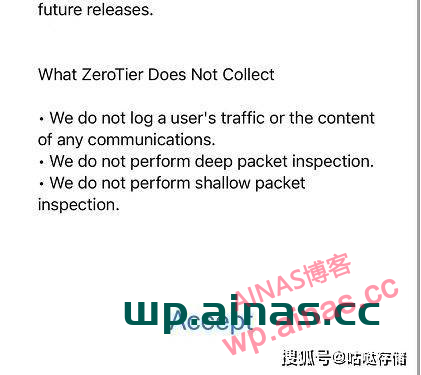
Scroll down to the bottom and click Accept.
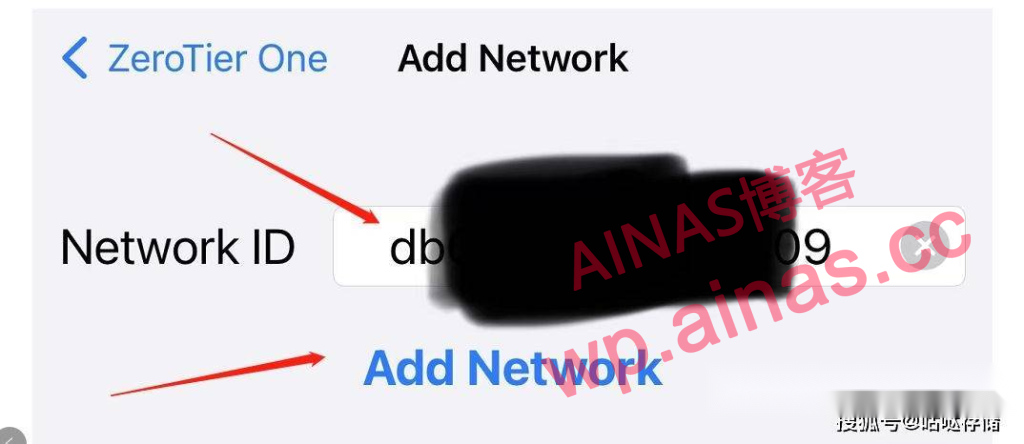
Fill in the 16-digit ID of your zerotier and click add network. There are other options below.
If your phone prompts you to agree to turn on the VPN, just do it.
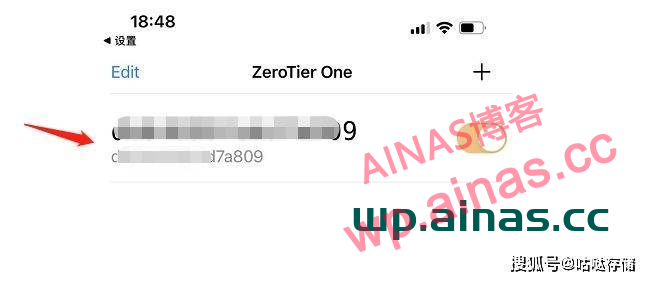
At this time you can see that the ID is turned on.
Here comes the key point: after a while. Now go to the web page to log in to your zerotier and check the device.
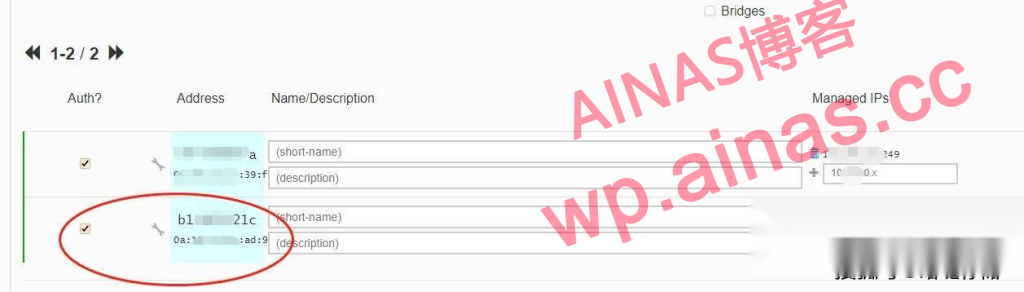
Check one of the extra devices to be refreshed. The extra thing is your iPhone. Careful friends can see this device number in the app
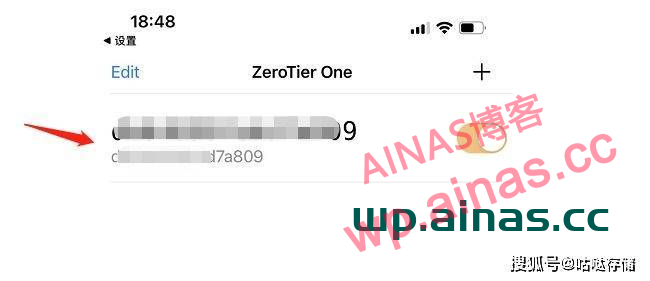
There is a string of device numbers at the bottom of this page, which is the same device number that appears after refreshing on the web page.
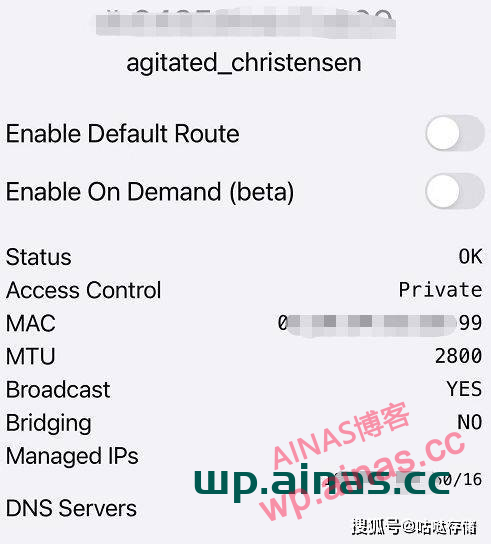
Click on the ID of the list to enter the ID status to view and so on.
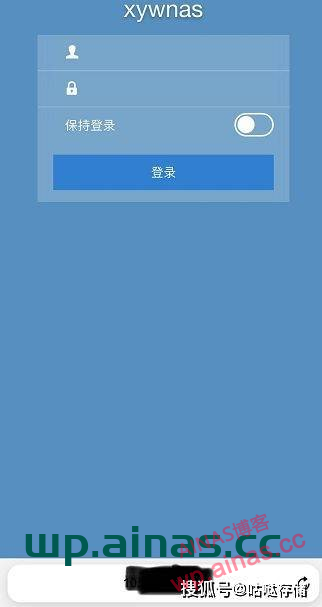
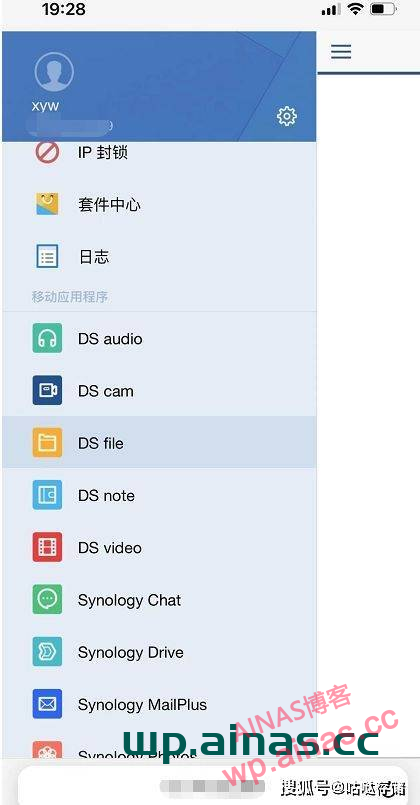
You can also log in to the NAS remotely through your mobile phone through a browser.
2. Log in to Synology’s official app
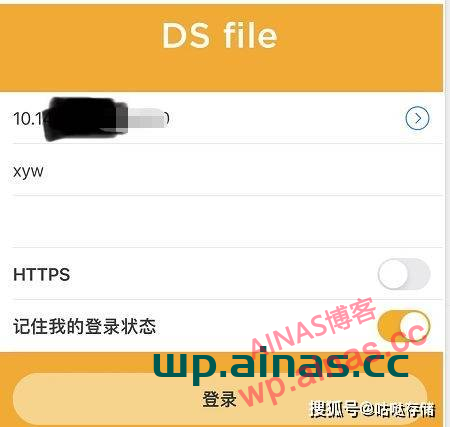
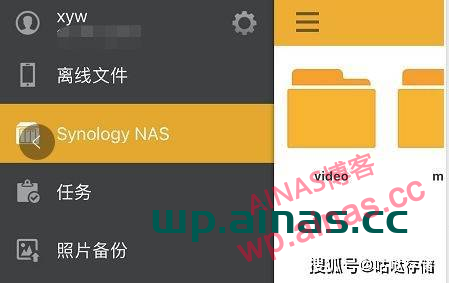
Open the app directly and fill in the IP of the NAS in the address bar (i.e. the IP of the NAS entered in the address bar of the PC browser), your NAS account and password. You can log in.
3. Android phone
Android phones can download zerotier’s app, but the mobile app market is useless. The download address is at the end of the article.
Installation and adding ID are the same as the Apple app. Just confirm the VPN prompt.
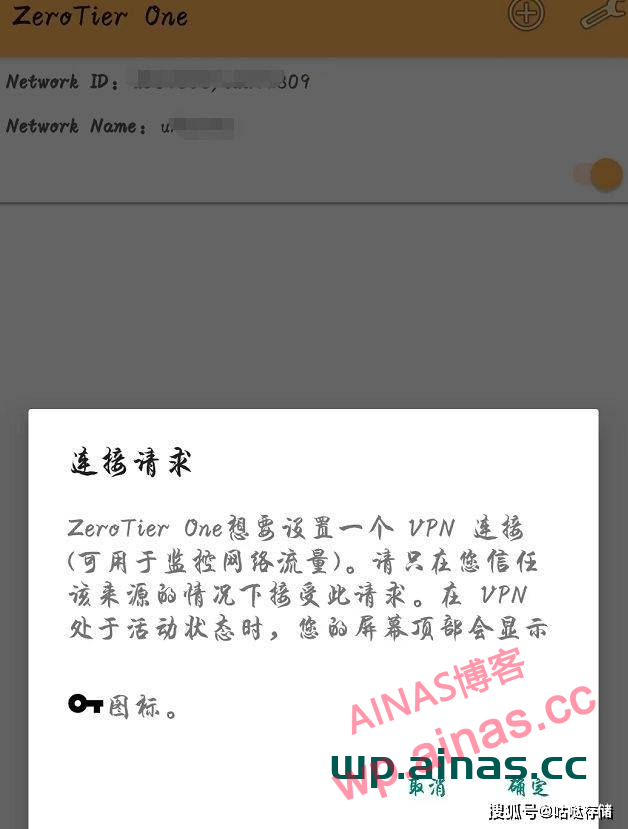
Also note that after adding, log in to the web page and check to refresh the extra Android devices.
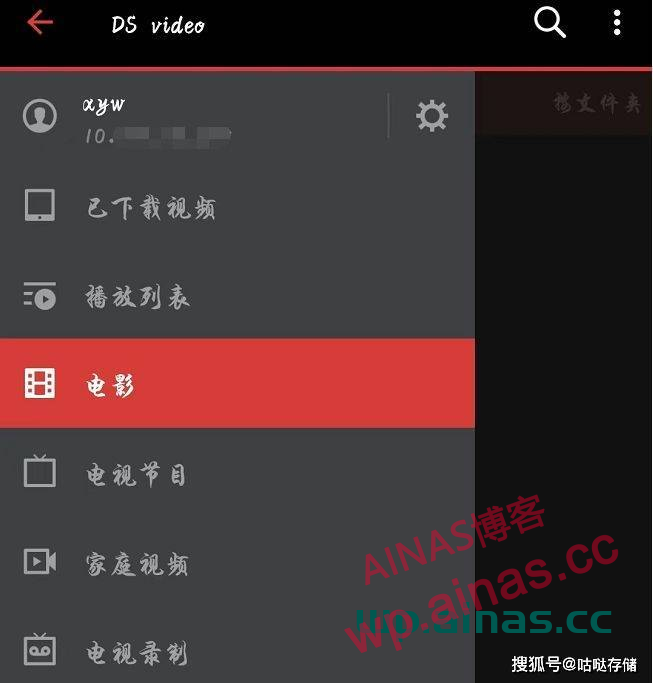
The Synology app on Android devices uses the same login method.
Summarize:
In this way, you can install the zerotier client software through the PC and install the package on the Synology system, and you can use the computer to access the NAS host from outside. Android and Apple phones also have zerotier apps installed. Note that after adding the ID, you need to log in to the web page to refresh and select the device.
The simple principle is: the reason why each device installs a zerotier client and app and has to go to the web page to select the device is because zerotier uses ID to form a LAN through VPN for all associated devices.
