Our Location
304 North Cardinal St.
Dorchester Center, MA 02124

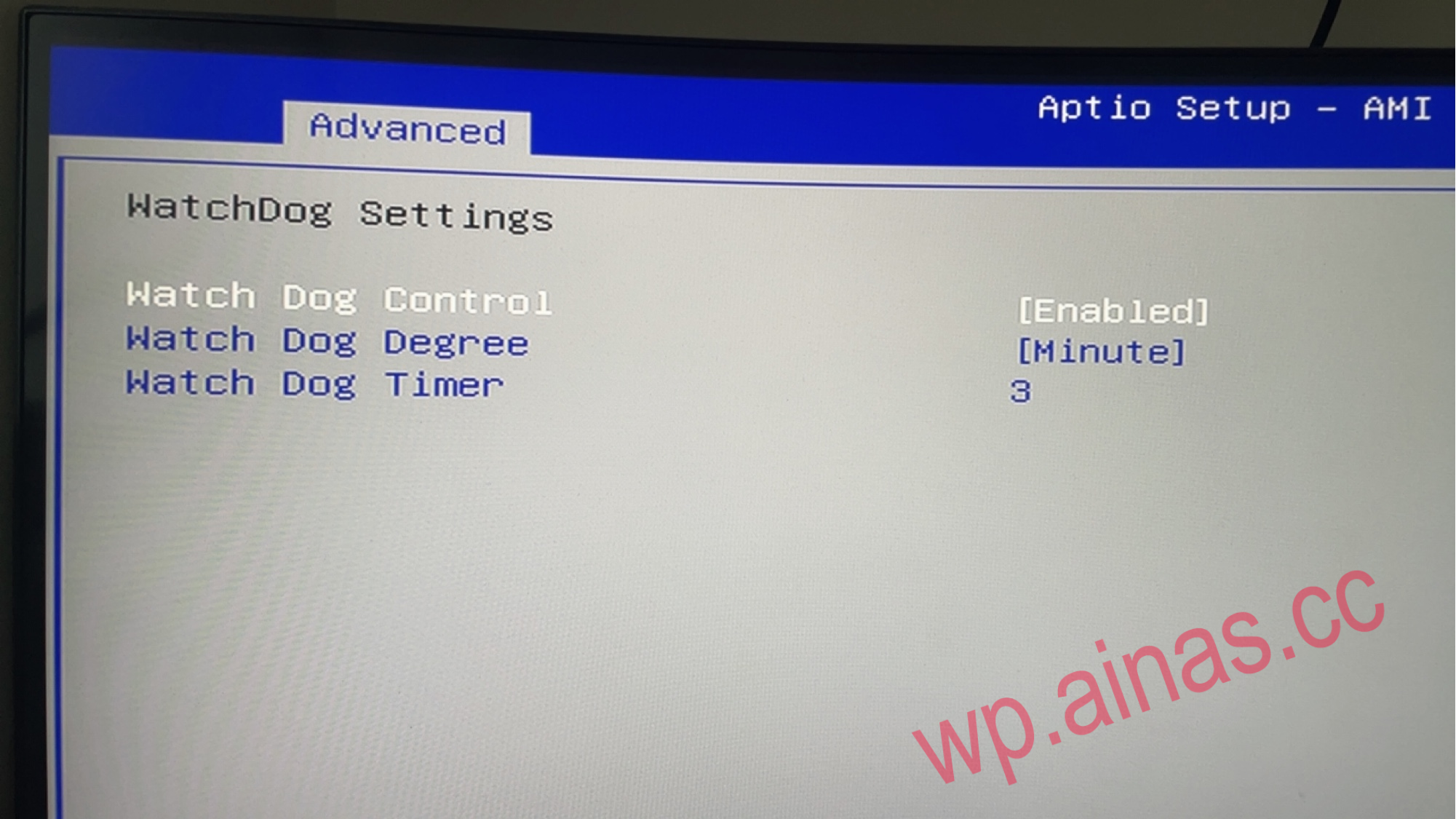
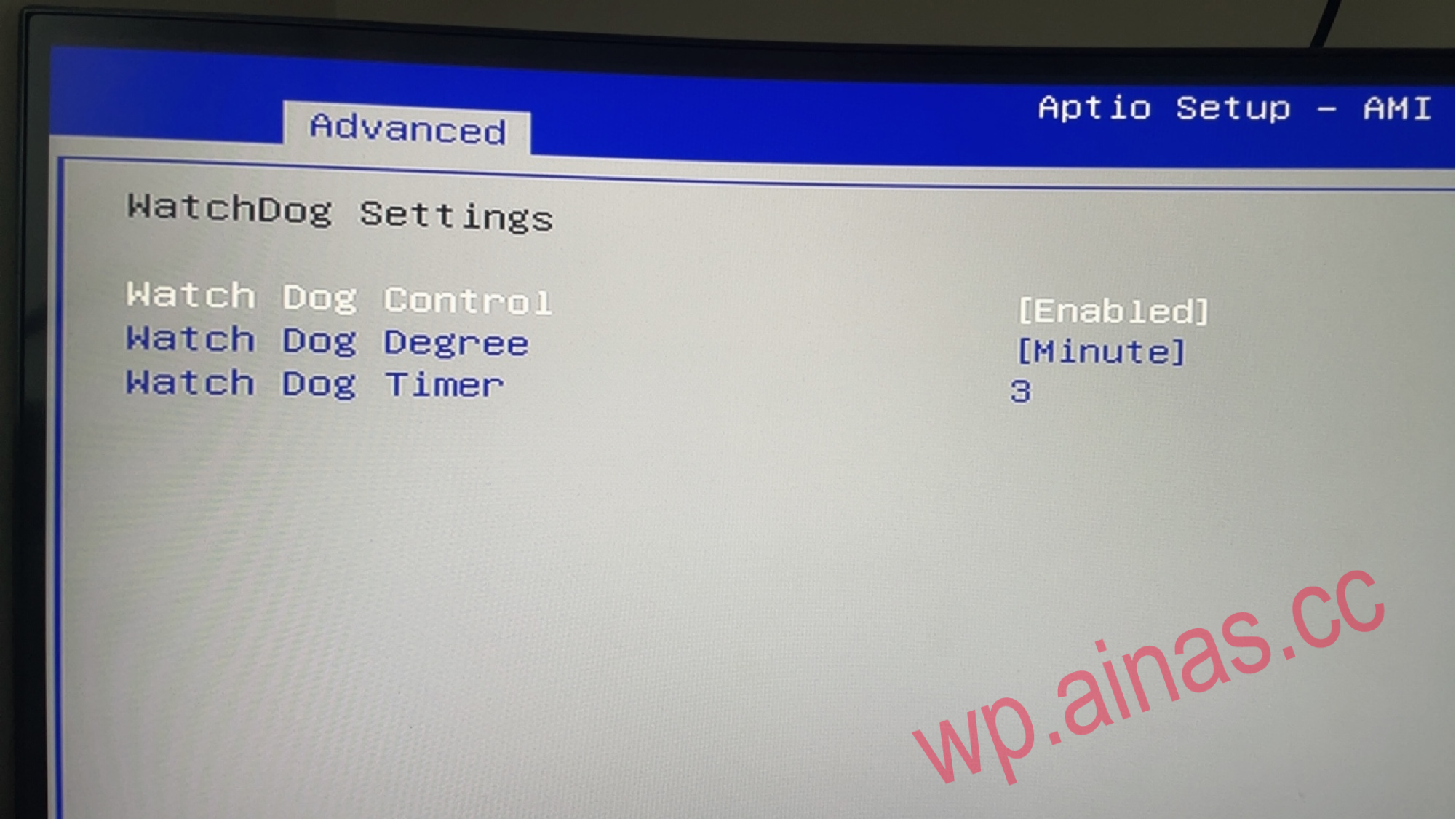
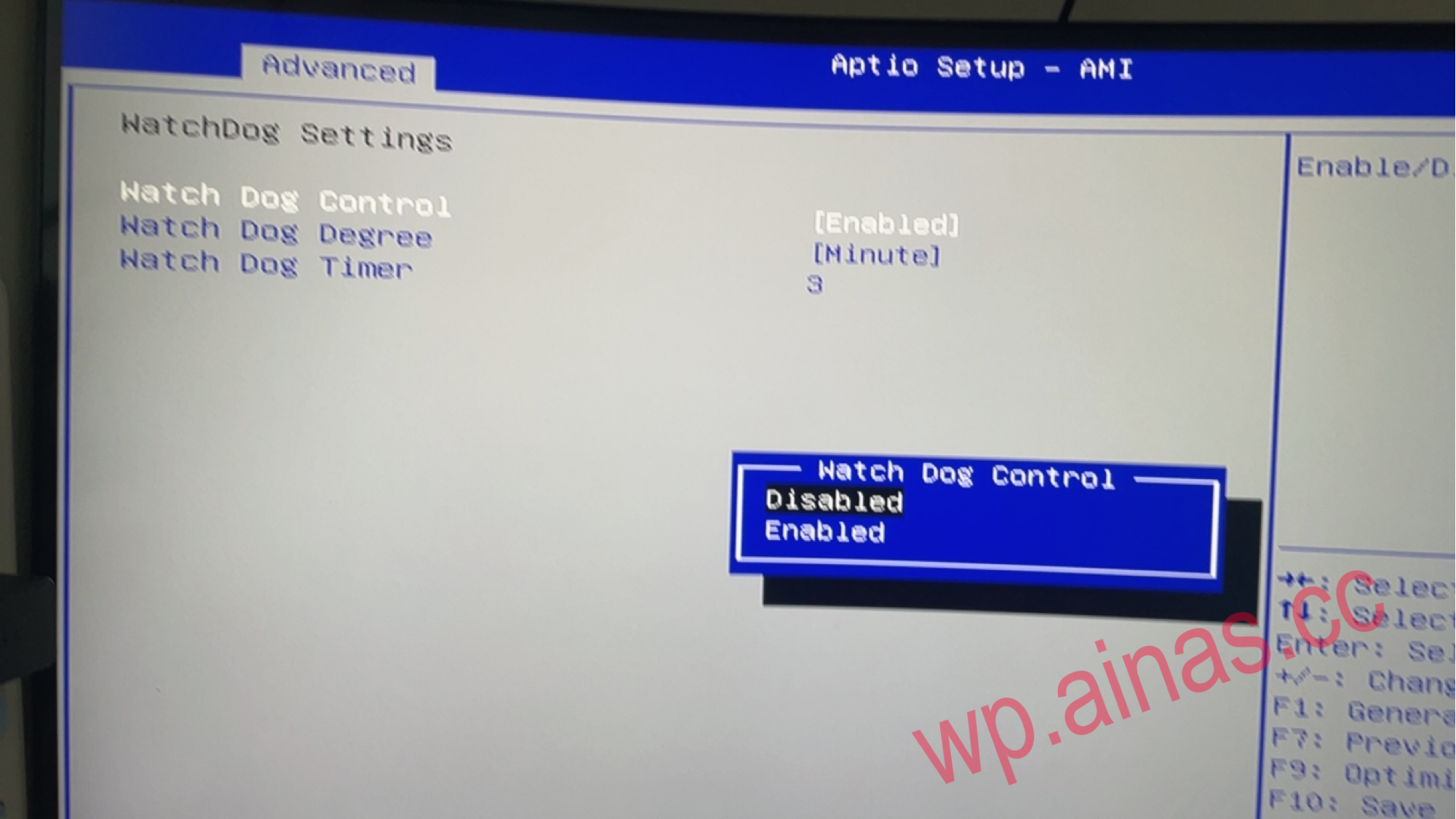
1. Connect the keyboard and power supply to the host. After turning on the computer, press the Del key until you hear a beep, which means you have entered the BIOS.If it doesn’t work, press the F12 key (CTRL+F2 for DX4600+ PRO version), then press the arrow key up once to enter bios2. Turn off the watchdog dongle
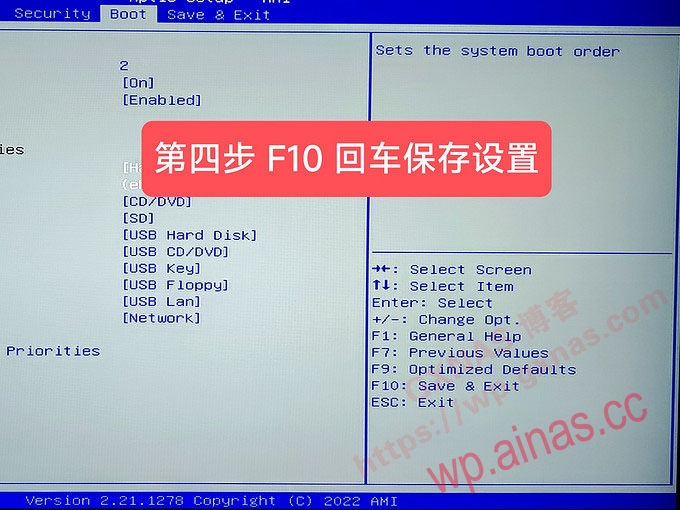
 2. Switch the BIOS interface to the Boot menu page;
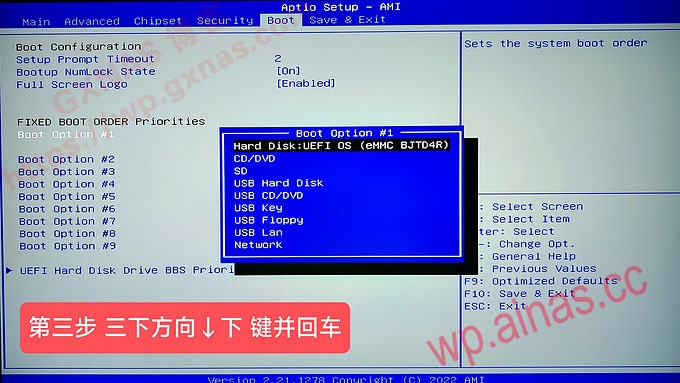
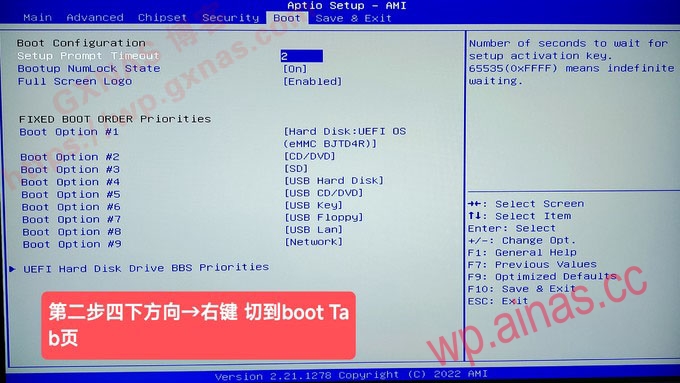 3. Then select boot option #1, press Enter, and select “USB Hard Disk” to set this operation to boot from the USB disk;
 4. Press the F10 key on the keyboard and press Enter. This operation saves the BIOS settings and exits. Then the host will automatically restart and start booting from the USB flash drive;