Our Location
304 North Cardinal St.
Dorchester Center, MA 02124

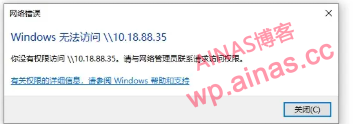
I bought a new Synology. After setting up the sharing, Windows cannot access the shared directory through SMB. The following error occurs:
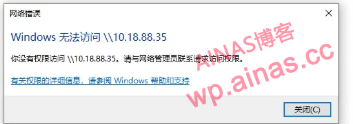
Or it may appear that the username and password are correct, but the password is wrong.
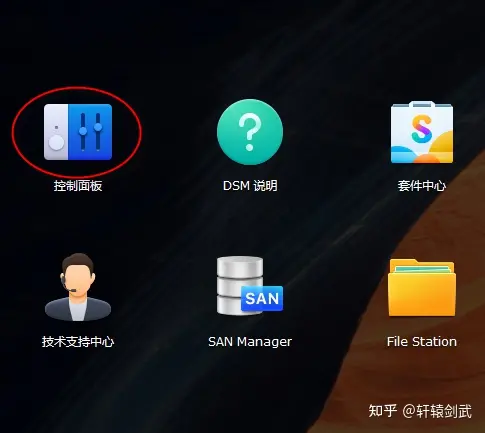
1. First log in to the NAS management page using the web page and find the control panel.
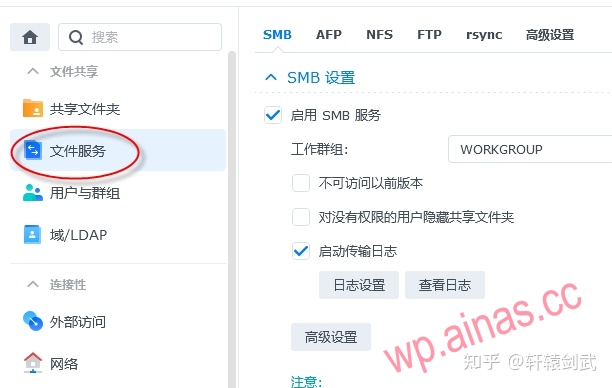
2. In Advanced Settings-General, change the minimum SMB protocol to SMB1
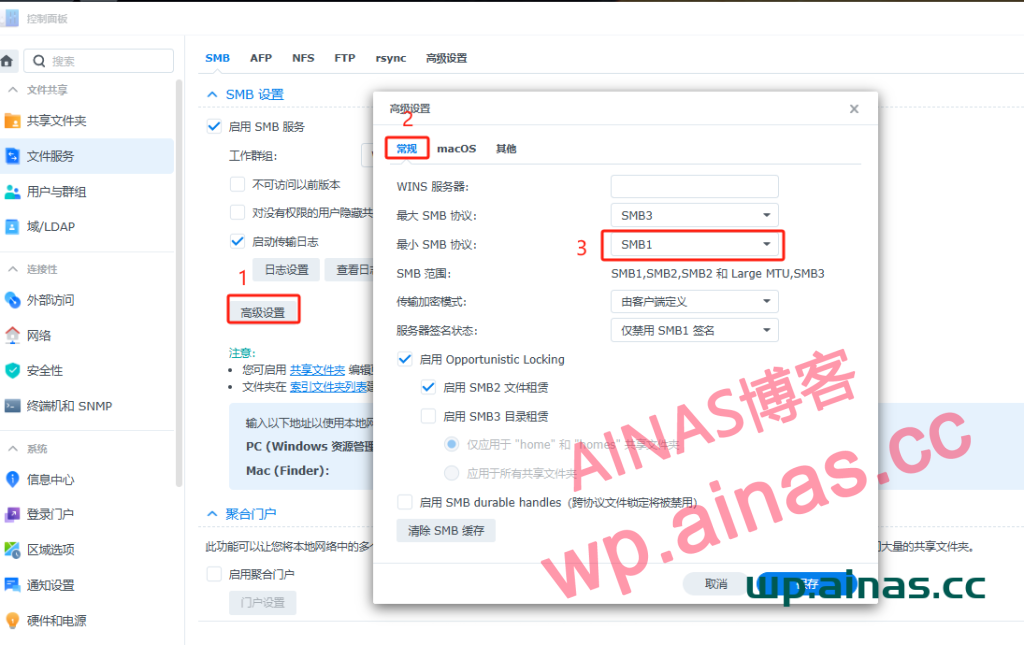
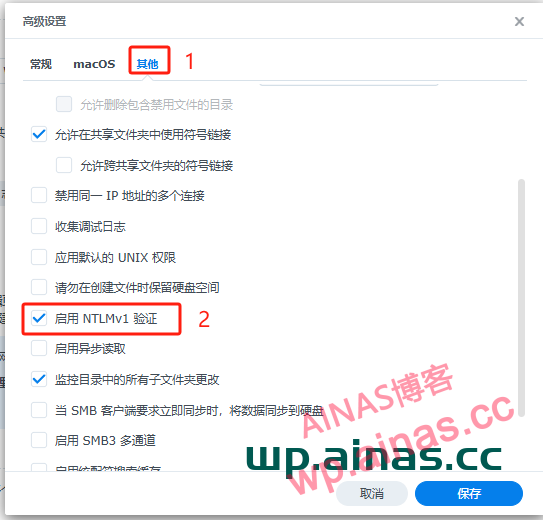
3. In Advanced Settings-Others, check “Enable NTLMv1 Authentication” and you can access it through SMB using Windows.