Warning: Trying to access array offset on value of type bool in /www/wwwroot/cloud.ainas.cc/wp-content/plugins/blocksy-companion/framework/features/svg.php on line 78
Our Location
304 North Cardinal St. Dorchester Center, MA 02124
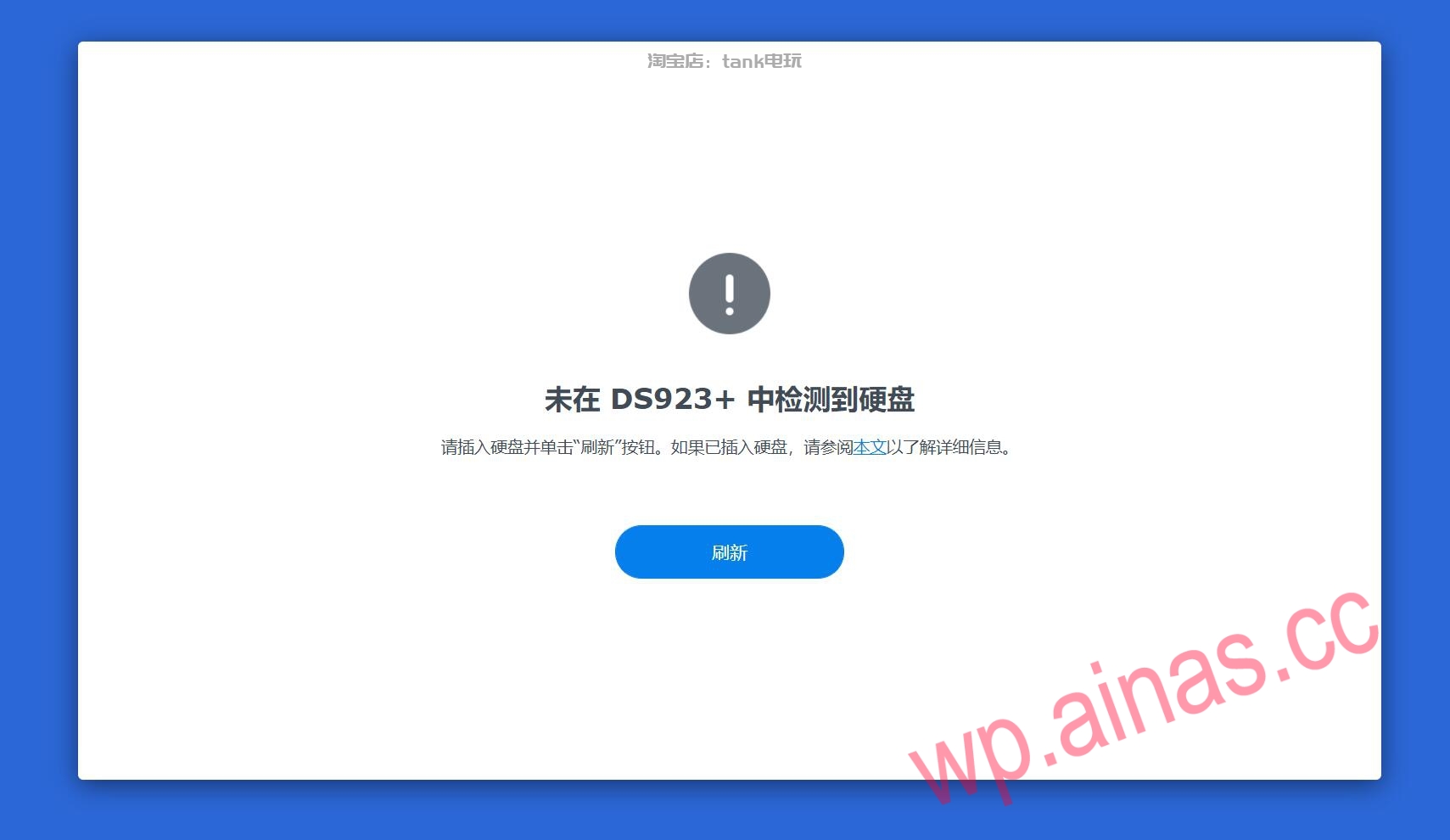
If you find that the hard disk cannot be found when installing or using a Synology system, it is usually caused by the following hardware configurations, interface types, or boot parameter settings. Please follow the steps below to check one by one:
1. Turn on AHCI mode in BIOS
Some old motherboards use IDE mode by default, and Synology systems must be turned onAHCIOnly then can the SATA hard drive be recognized and mounted normally.
1. Intel 2/3 generation old motherboard:
Entry method: power onDELEnter the BIOS.
path:Integrated Peripherals->OnChip Serial ATA Device.
Settings: Make sure the option is set toAHCI(If there is only IDE and RAID, the motherboard may not support Synology).
2. Intel 4th generation and above motherboards:
Entry method: pressDELAfter entering the BIOS, clickAdvanced ModeEnter advanced mode.
2. Hard disk interface types and compatibility restrictions
Pure NVMe installation:Synology system (default boot) currently mainly supportsSATA interfaceThe hard disk serves as the system disk. If you use pure NVME installation, you need to select SA6400 and add the plug-in nvmesystem. For the adding method, see:RR finished boot disk installation tutorialChapter 12
IDE not supported:Traditional IDE parallel port hard drives cannot be recognized, so be sure to use the SATA protocol interface.
3. Disable the motherboard software RAID function
If the motherboard is turned onOnboard software RAID, it may forcefully occupy all front SATA channels. Even if you plug in additional expansion cards, conflicts may occur. Please change the SATA mode from RAID back to AHCI in the BIOS.
4. Array cards and virtual machines
SAS array card:Confirm whether the boot driver contains the card driver. Notice(DS920+/DS923+)Models are generally not compatible with array cards.
Virtual machine environment (ESXi/PVE):When adding a virtual hard disk, be sure to select the controller type asSATA controller, not IDE or SCSI.
Newsletter Updates
Enter your email address below and subscribe to our newsletter