Our Location
304 North Cardinal St.
Dorchester Center, MA 02124

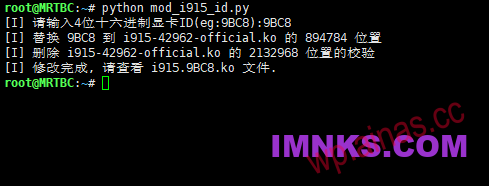
2022.9.13 Updated one-click python script, for example, the integrated display device ID queried: 0x9BC8,
Execute the following code to automatically generate i915.ko for automatic replacement. After execution, the system needs to be restarted to take effect:
sudo -iwget http://code.imnks.com/zip/mod_i915_id-0913.pypython mod_i915_id-0913.py#Enter graphics card ID: 9BC8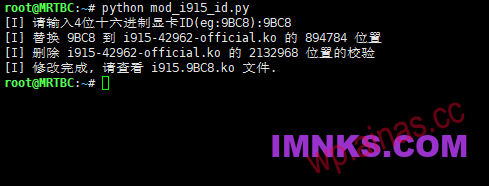
1. Obtain the CPU integrated display device ID
openIntel Product Specifications Web PageSearch the CPU model, for example: i3-10105, and find the integrated display device ID: 0x9BC8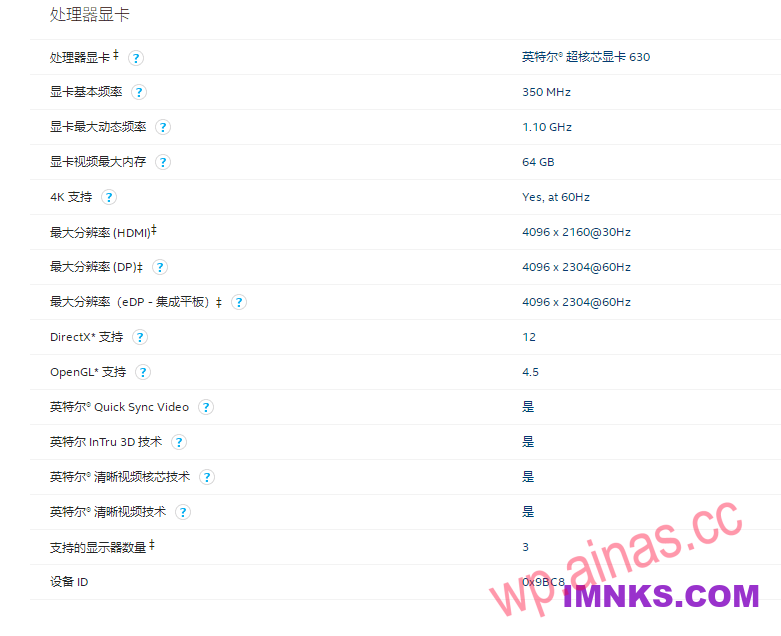 2. Replace the ID in i915.ko
Generally, the ID of HD610 is replaced, which is 3E92 or 3E93. Tool:WinHexSearch – Find the hexadecimal value: 923E0000. Directly modify 923E to C89B. It is optimistic that the ID is written in reverse in pairs!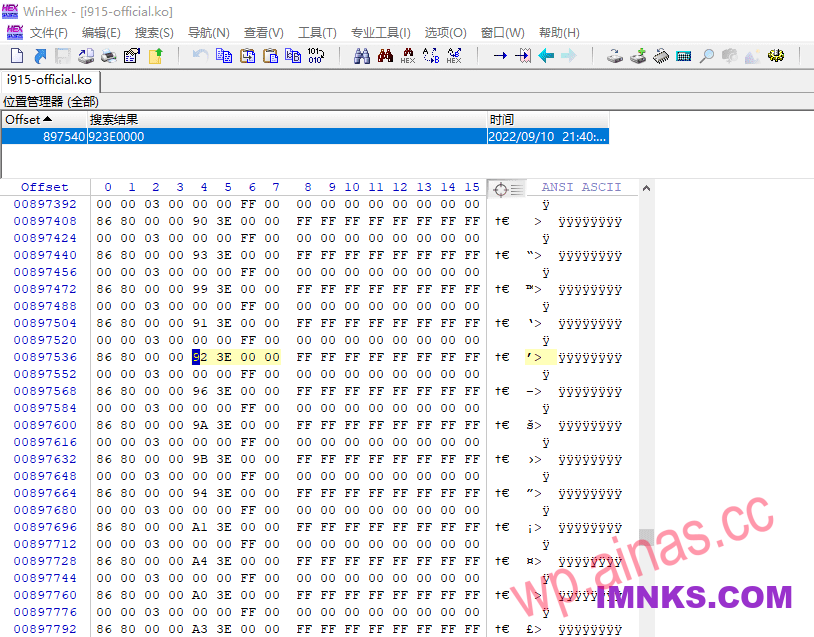 3. Delete the driver signature
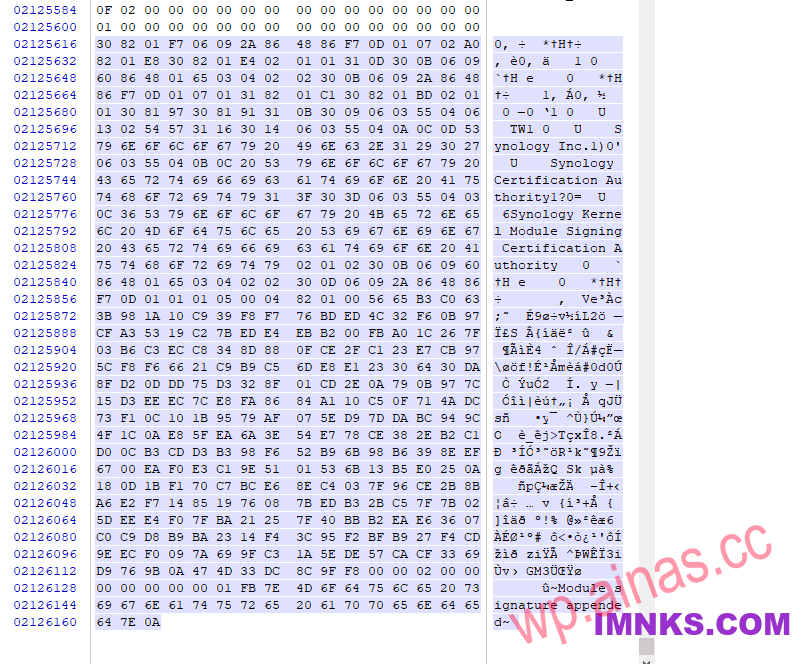
Go to the end of the i915.ko file, delete the signature data starting with 3082, edit-remove, and then save the file!