Our Location
304 North Cardinal St.
Dorchester Center, MA 02124

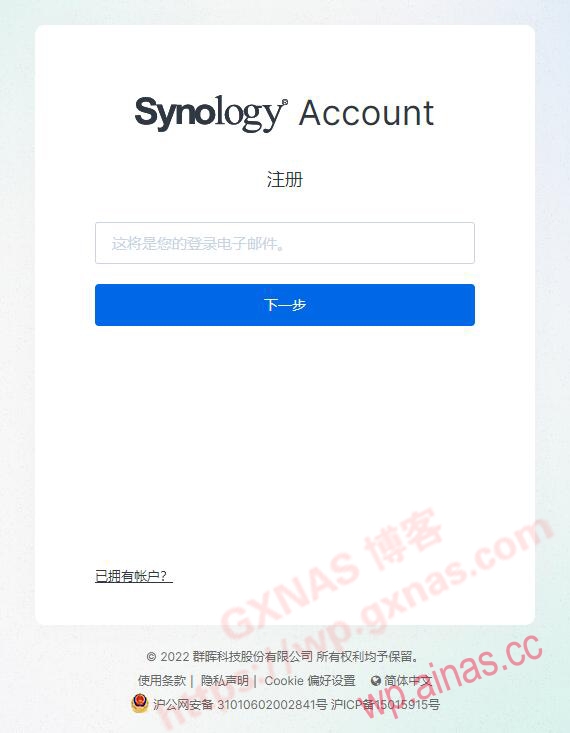
[Steps for Black Qunhui to register a Synology account]
1. Registered address: [https://account.synology.com/zh-cn/register/];
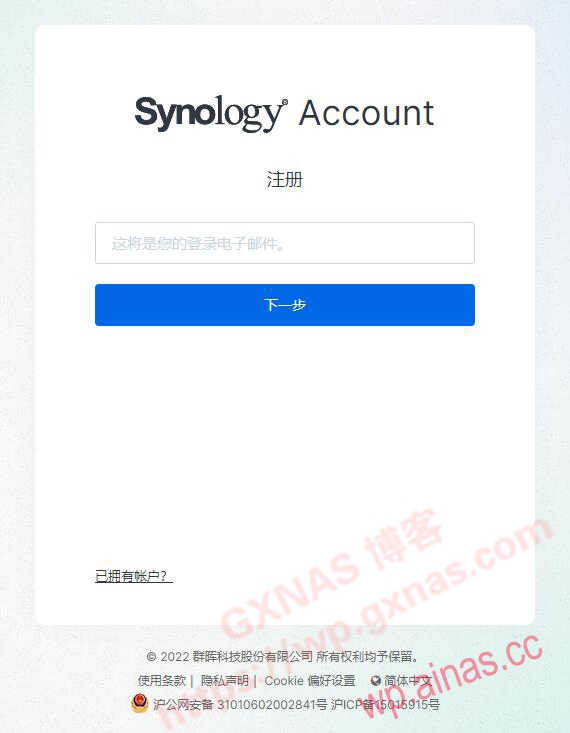
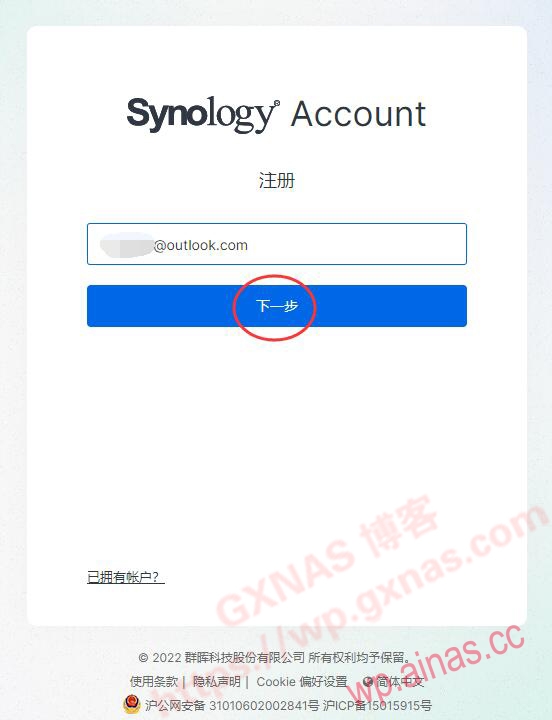
2. Enter your personal email address and choose any email address, as long as you have not registered a Synology account. Next step;
3. At this time, the system will automatically send an email to your mailbox, please open your mailbox to check;
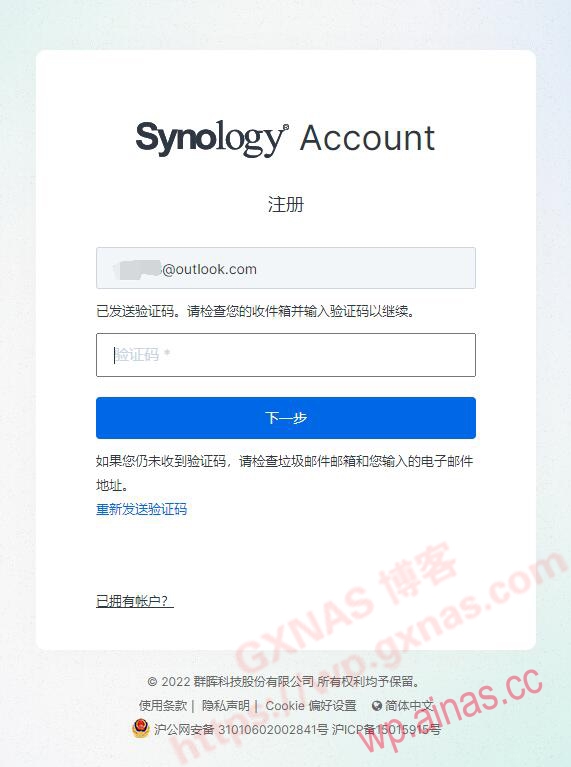
4. Copy the verification code;
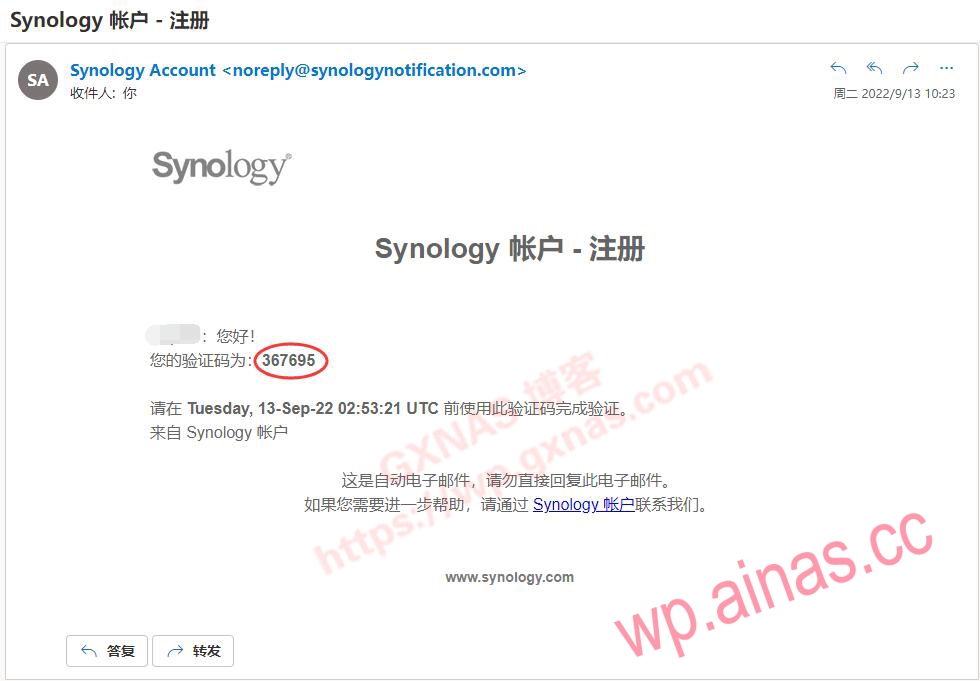
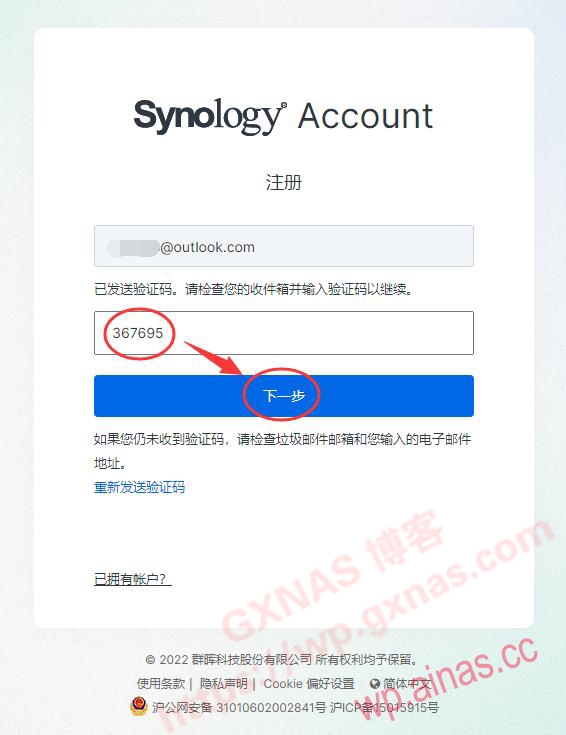
5. Paste the verification code copied in the previous step into the picture below, and click “Next”;
6. Fill in the information requirements as follows:
(1) Name: Real name is not required, just write it down casually;
(2) User type: select “Home User”;
(3) Location: Select “Singapore” or “United States”.
(4) Password: This is the password for setting up the Synology account on the official website of Synology. It is not the email password, nor the login password you set when you installed Synology. Don’t get confused. The password requires a combination of uppercase English + lowercase English + numbers, with a length of 8 characters or more.
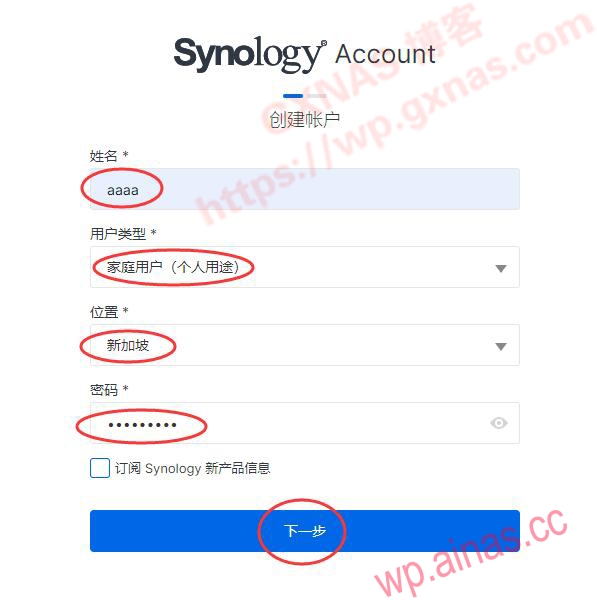
After confirming that the information is correct, click: Next;
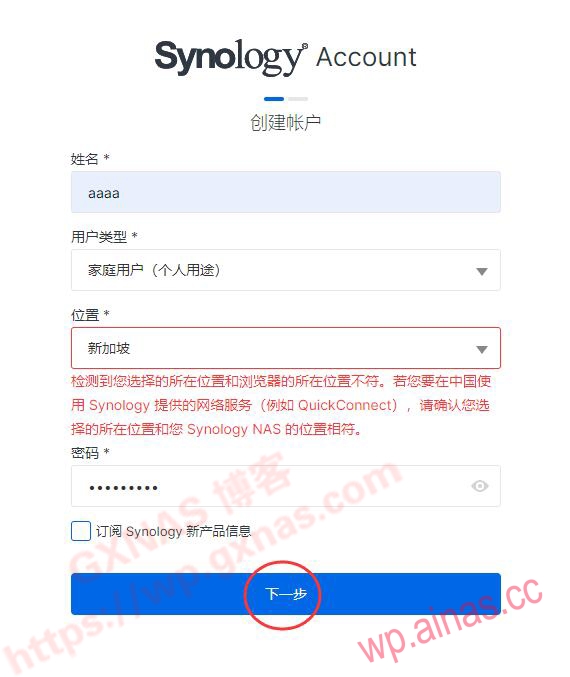
7.There will be a prompt “It is detected that the location you selected does not match the location of the browser” etc., ignore it, no need to change, click “Next”;
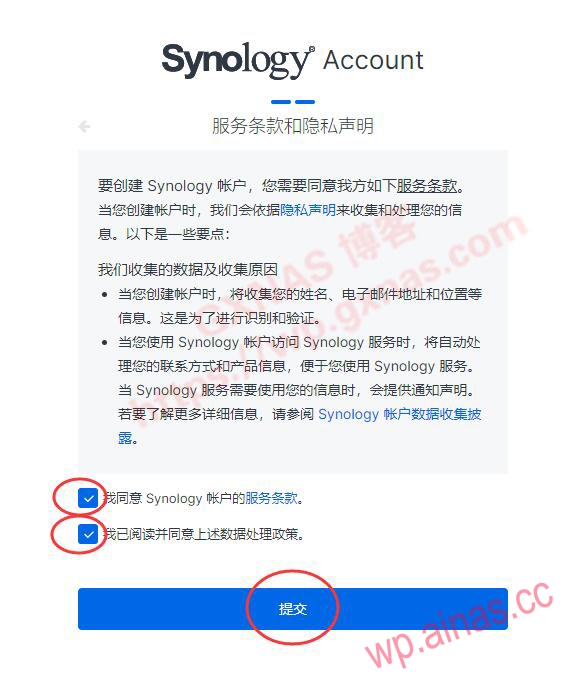
8. Tick “I agree to the Synology Account Terms of Service” and “I have read and agree to the above data processing policy” and submit;
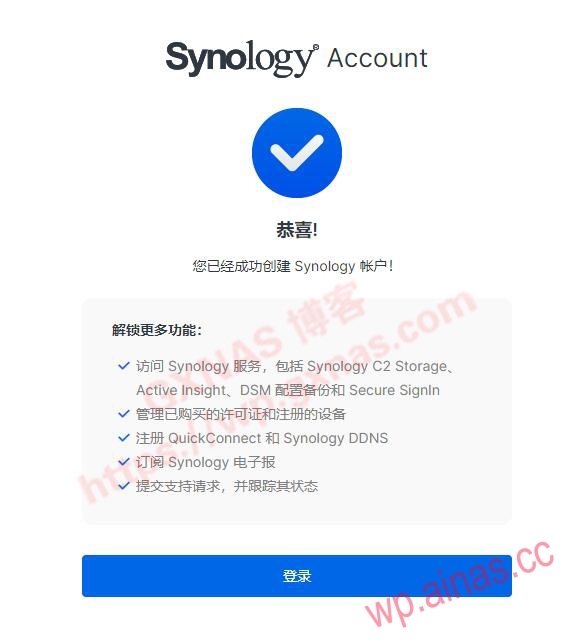
9. When the “Congratulations” interface appears, it means that the registration is complete, click “Login”;
10. Check the “email” and “location” and make sure they are set correctly.

