Our Location
304 North Cardinal St.
Dorchester Center, MA 02124

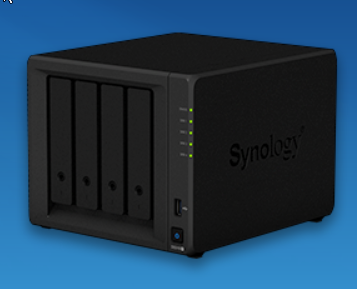
A few days ago, I wanted to install the Transmission download in the DMS6 version. I needed to add a third-party package source to install it.
However, many package sources searched online indicated that the location was invalid and could not be installed. In the end, I installed it through putty.
Later I found a solution, the reason isTieCaused by the expiration of the system certificate.The solution is to log in to Synology via ssh and enter the following command:
sudo mv /etc/ssl/certs/ca-certificates.crt /etc/ssl/certs/ca-certificates.crt.bak && sudo curl -Lko /etc/ssl/certs/ca-certificates.crt https://curl.se/ca/cacert.pemIn addition, several commonly used third-party package sources are attached:
1. synocommunity community
1. Package address: https://packages.synocommunity.com
2. I am not a mine god
1. Kit address: https://spk7.imnks.com/
3. Yunmeng
1. Kit address: https://spk.520810.xyz:666
4. 4sag
1. Kit address: https://spk.4sag.ru/
5. The lonely soul under the skirt
1. Kit address: http://spk.bobohome.store:8880
