Our Location
304 North Cardinal St.
Dorchester Center, MA 02124

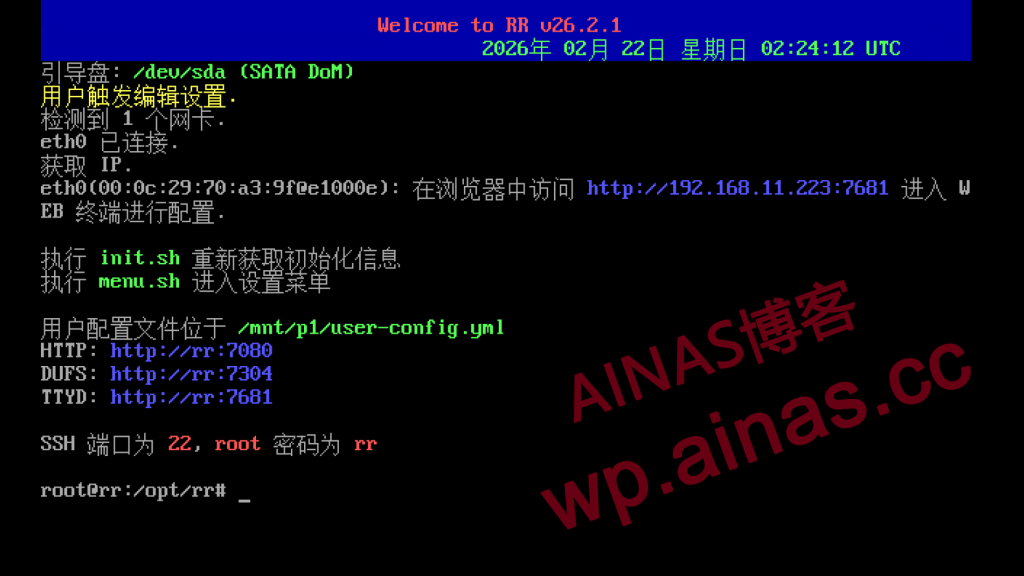
1. Select the fourth item of the startup menu “configure loader”

1. After successful startup, the following menu prompt will appear.
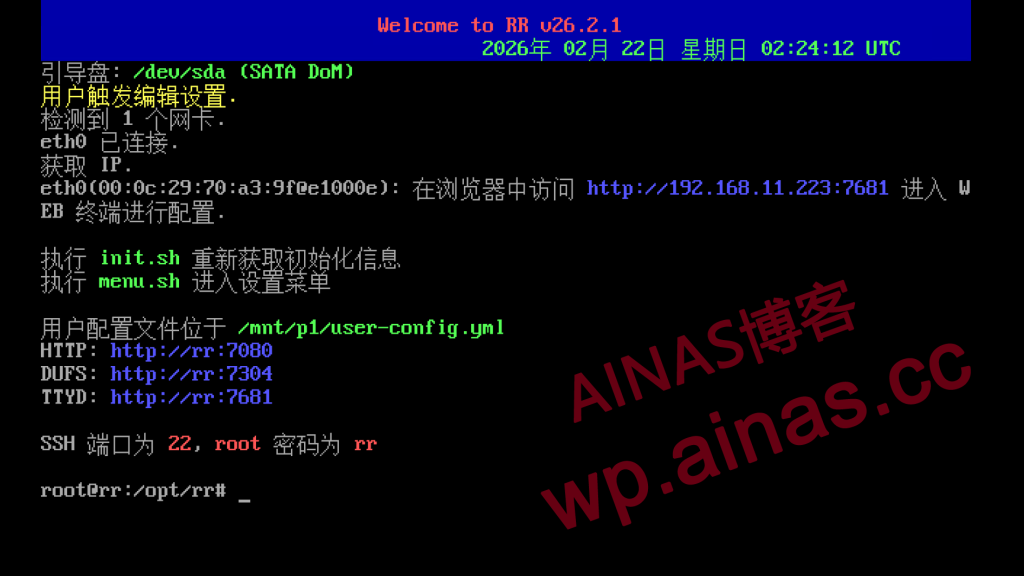
2. Use any computer in the LAN, open the browser and enter Synology IP:7681, for example, mine is 192.168.11.223:7681
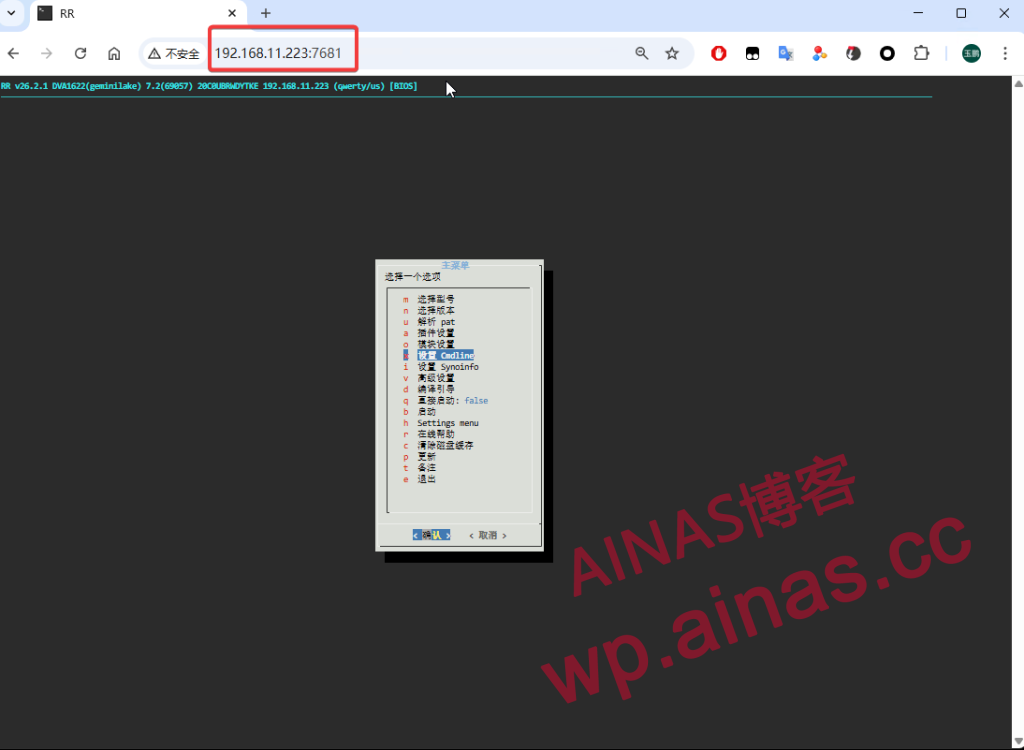
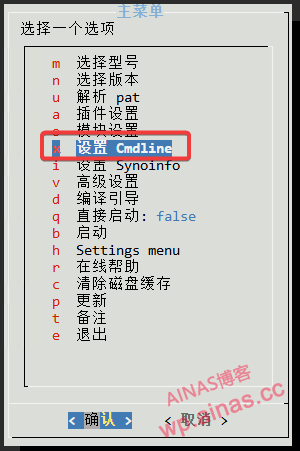
2. Select the Set Cmdline option
3. Select the third item Custom SN/MAC
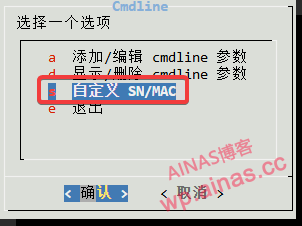
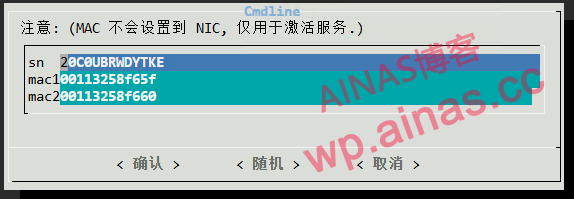
4. Enter SN MAC1 MAC2 and press Enter to confirm.
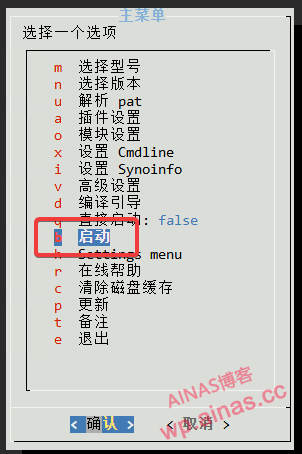
5. Return to the main menu, select Start, and wait for 3-5 minutes to enter the Synology system.
If you really want to synchronize to the network card (there is no benefit except that it looks consistent), add skip_vender_mac_interfaces=”” to cmdline
At this point, the cleansing has been completed.
