Our Location
304 North Cardinal St.
Dorchester Center, MA 02124

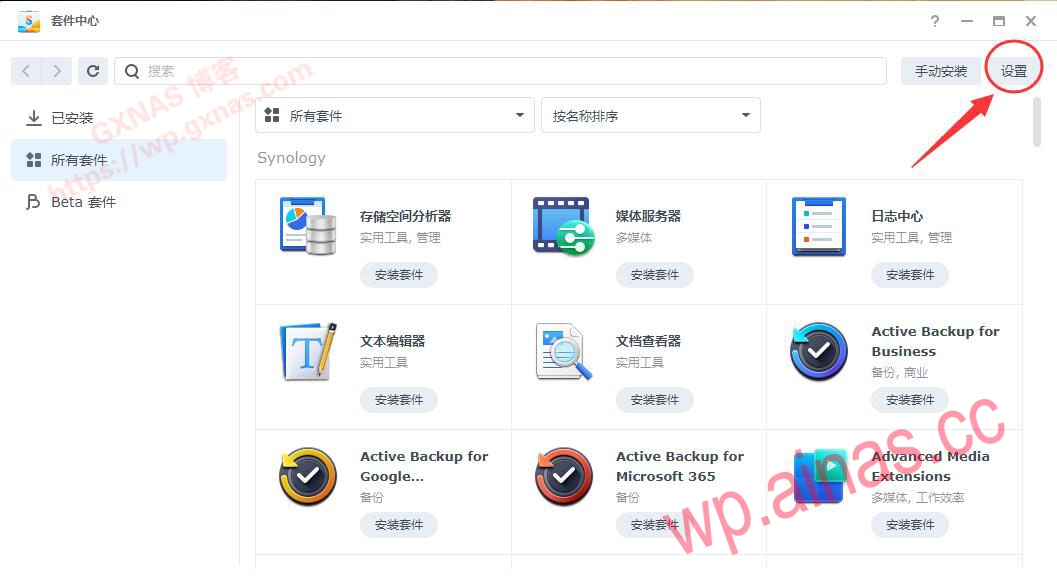
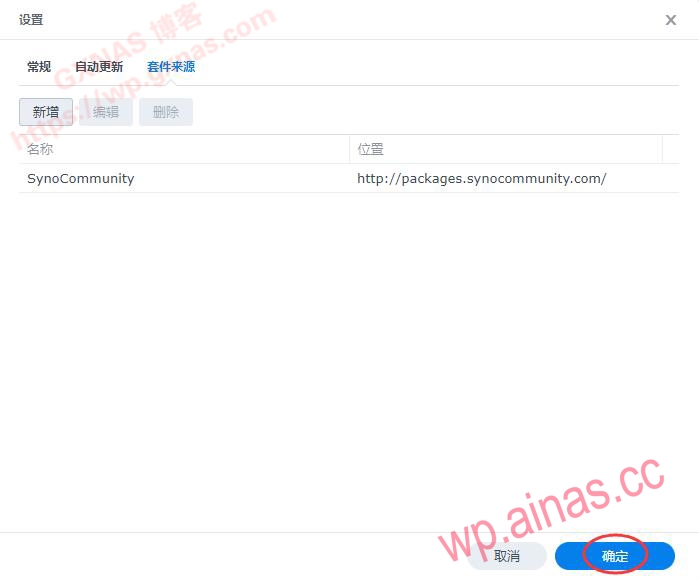
Everyone who plays Synology knows: Open the Package Center of Synology Desktop, which integrates all the packages from Synology’s official website. You can directly install whatever packages you need. In addition to Synology’s official package sources, there are also some good packages developed and maintained by Synology NAS enthusiasts. Here are some easy-to-use third-party package sources under the DSM7.X system, as well as methods for adding third-party packages:[How to add third-party package sources]The source address of the third-party package we see is usually a link address starting with http:// or https://. Some of these addresses can be opened in a browser to see the content. However, the actual usage is not to open it directly in the address bar of the browser. Instead, you need to click “Settings” in Synology’s package center;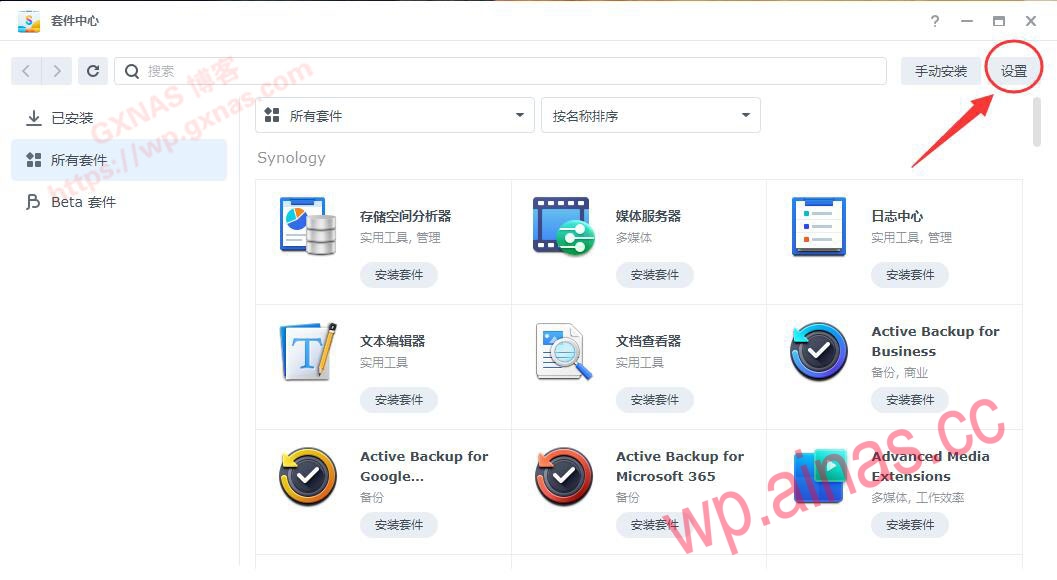 Click “Package Source”, “Add”;
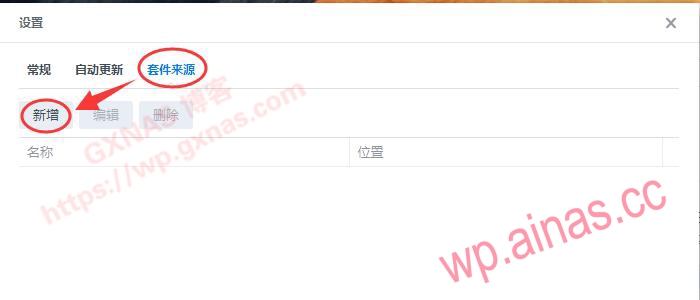 You can write whatever you want in the “Name” field, and fill in the link to the package source in the “Location” field.
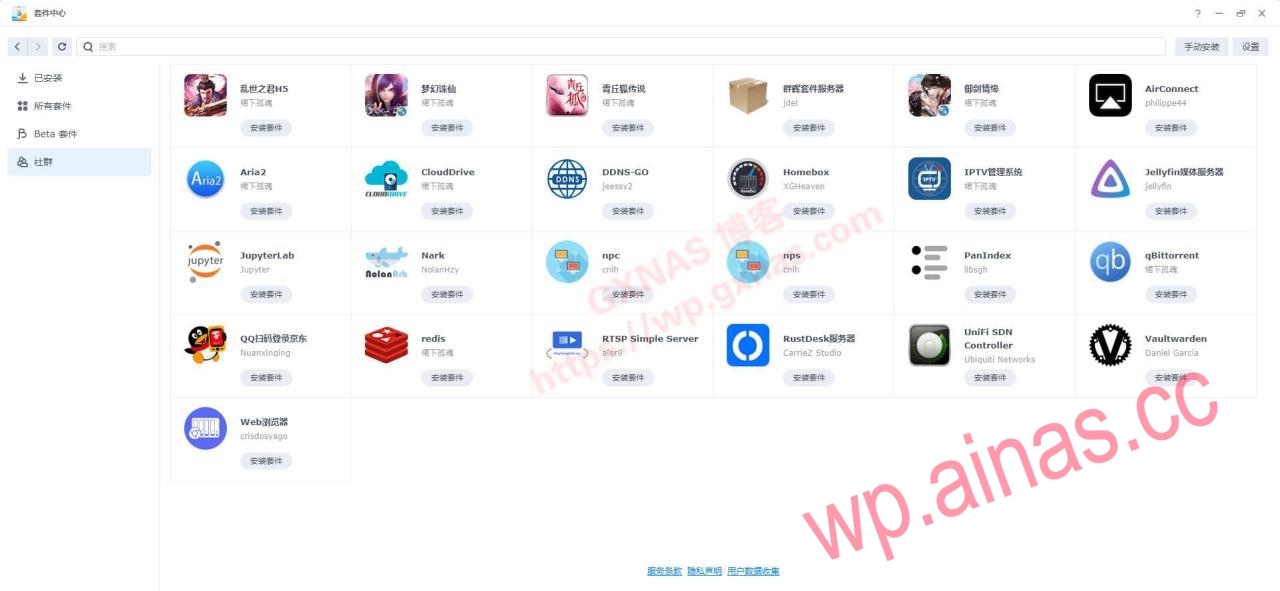
[Third-party package address](In no particular order, thanks to the authors of the following package sources)
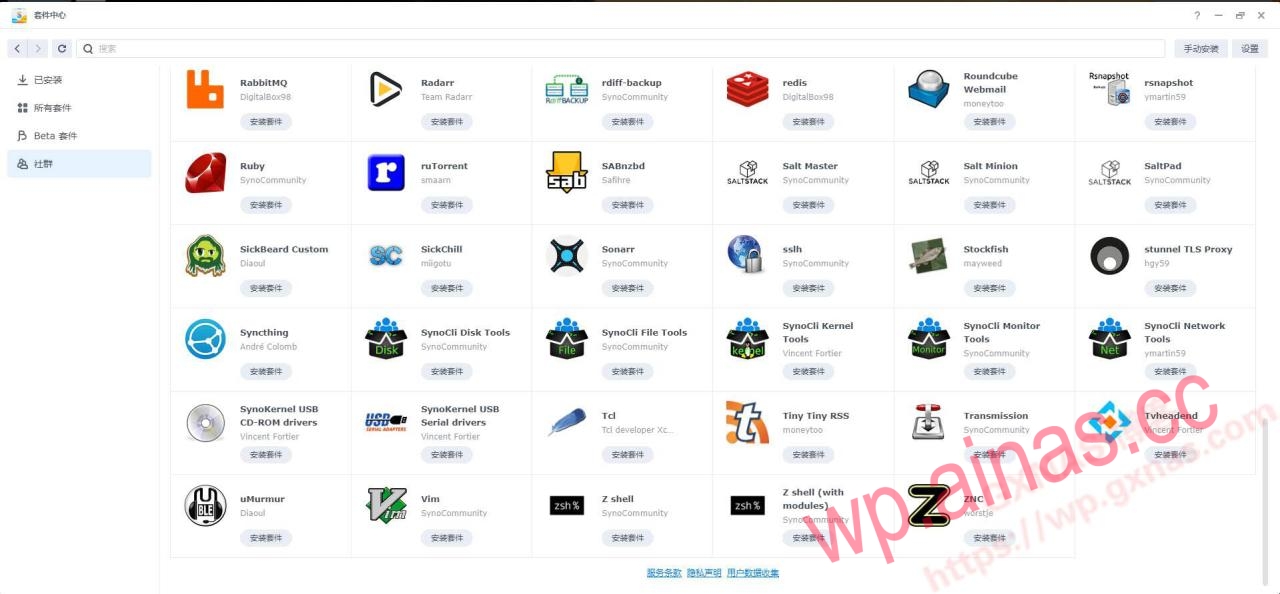
1. synocommunity community
1. Package address: https://packages.synocommunity.com/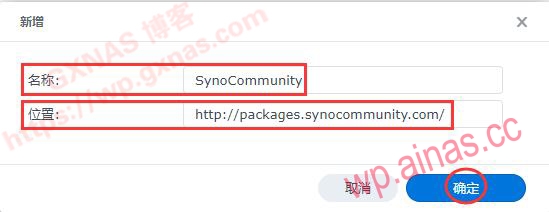
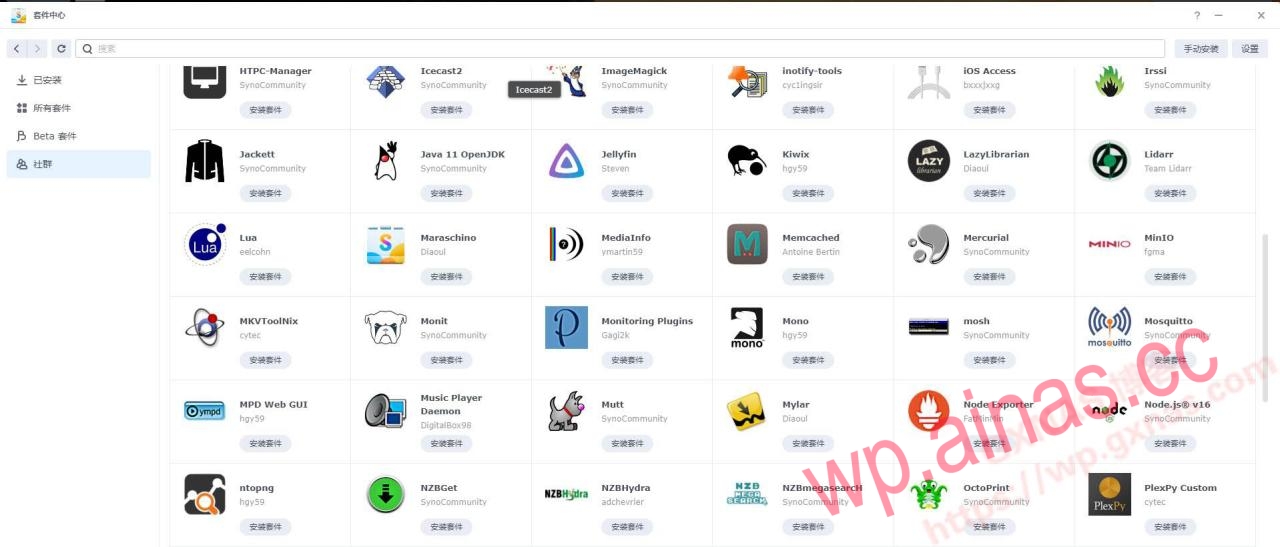
 2. Kit list: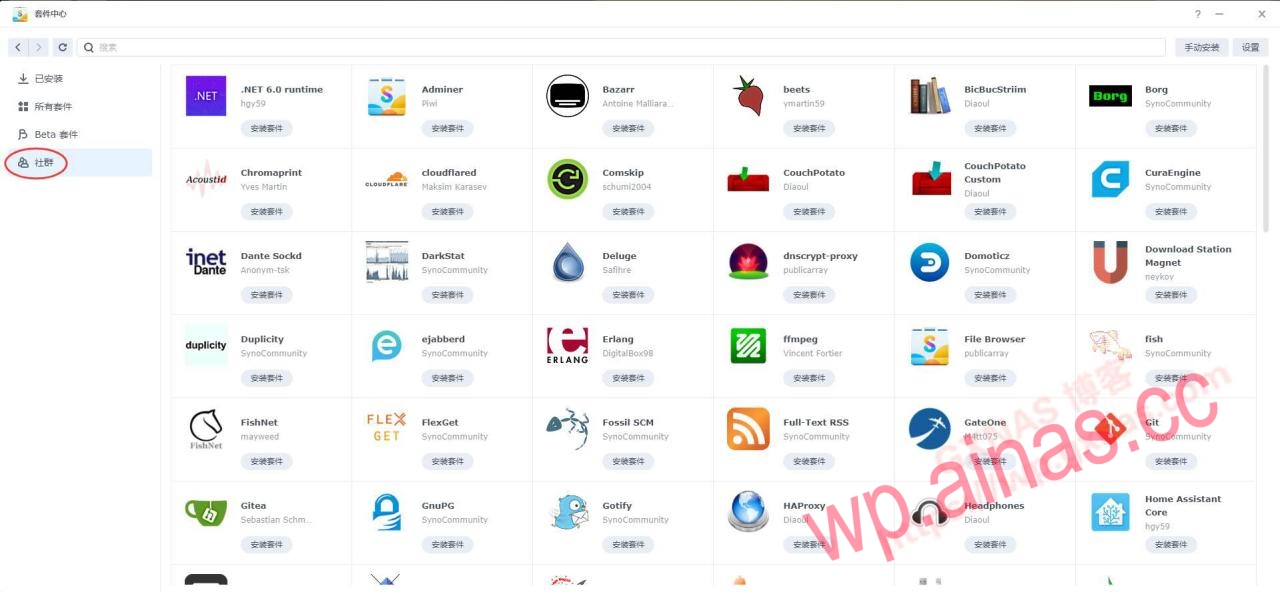
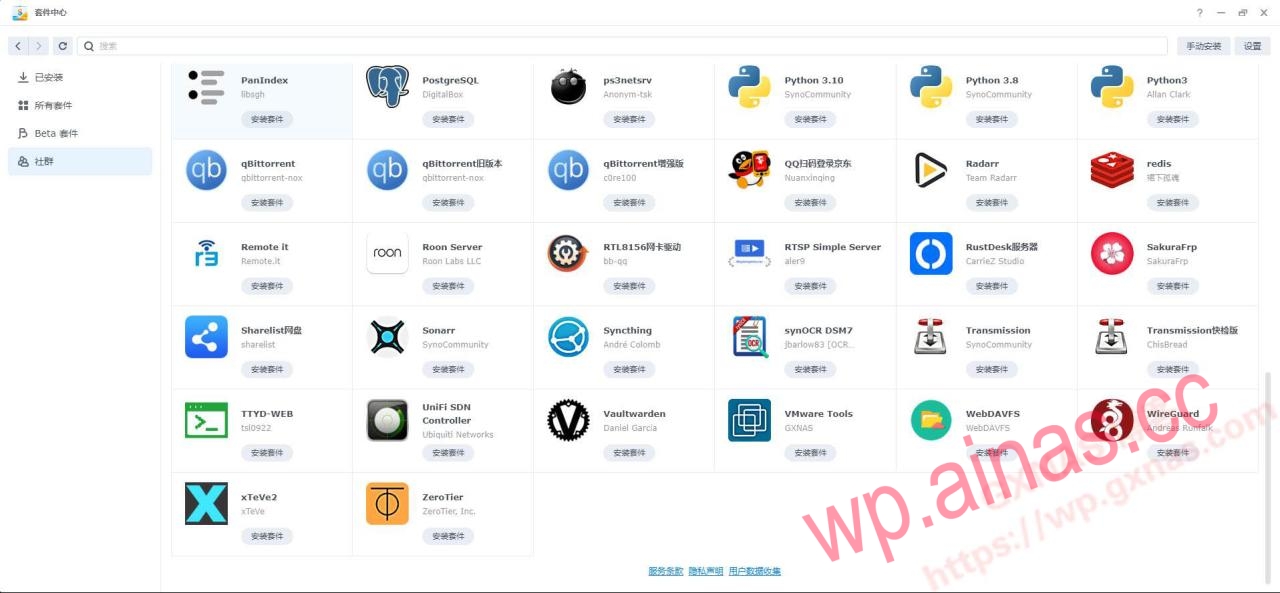
 2. I am not a mine god
1. Kit address: https://spk7.imnks.com/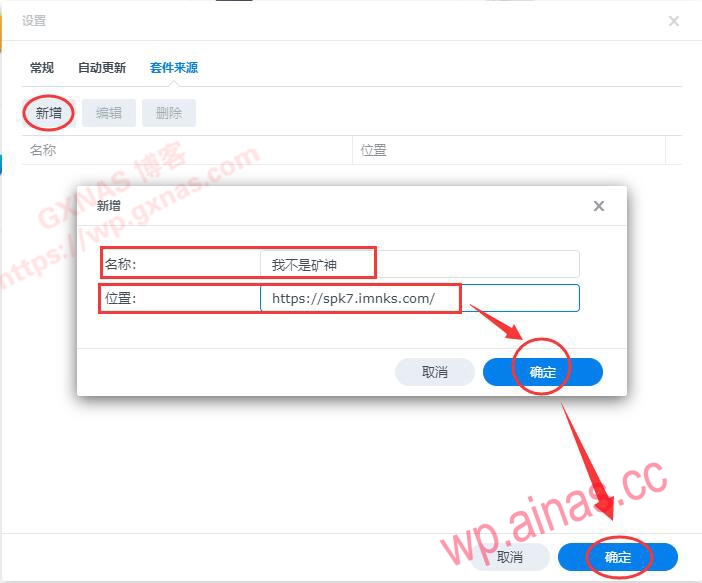 2. Kit list: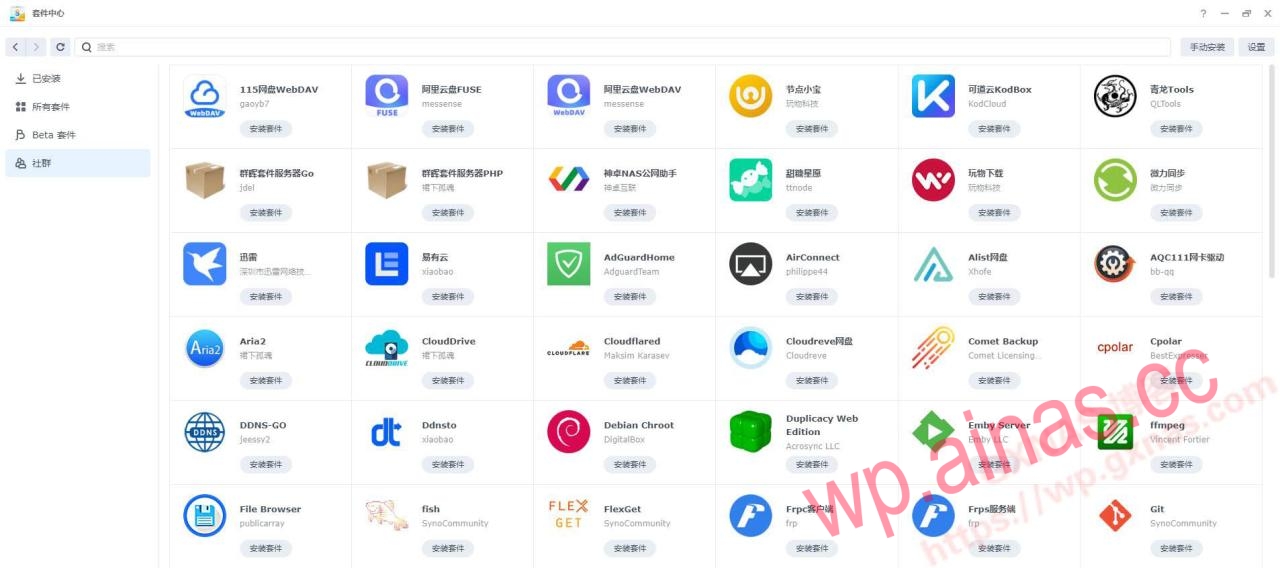
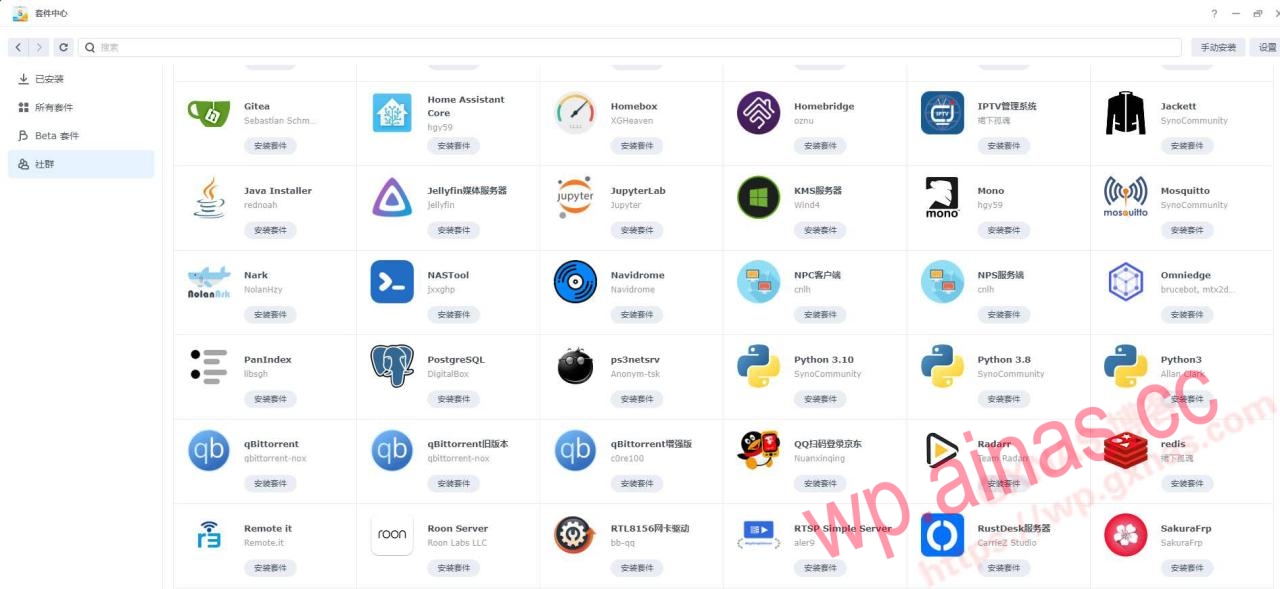
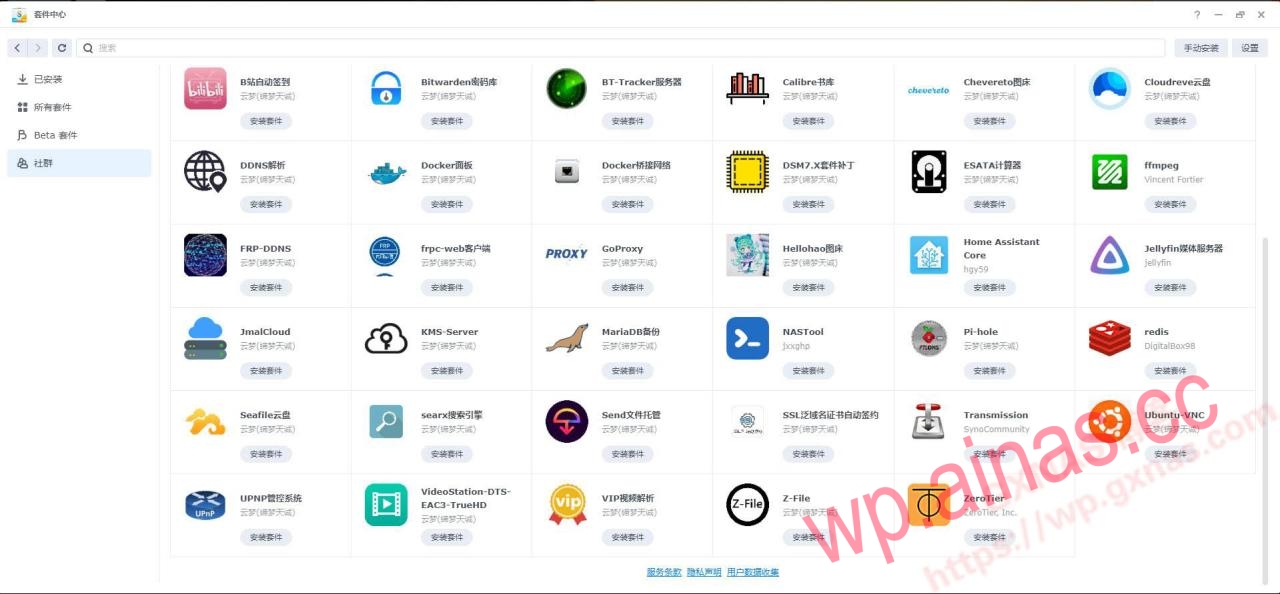
 3. Yunmeng
1. Kit address: https://spk.520810.xyz:666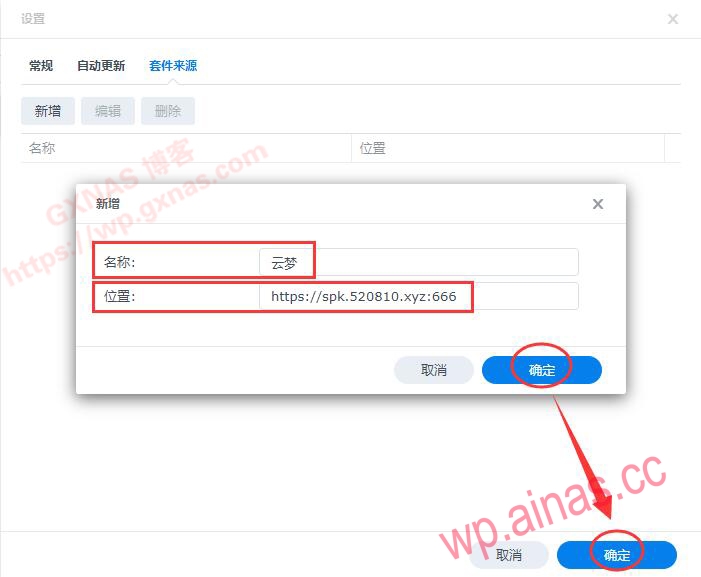 2. Kit list: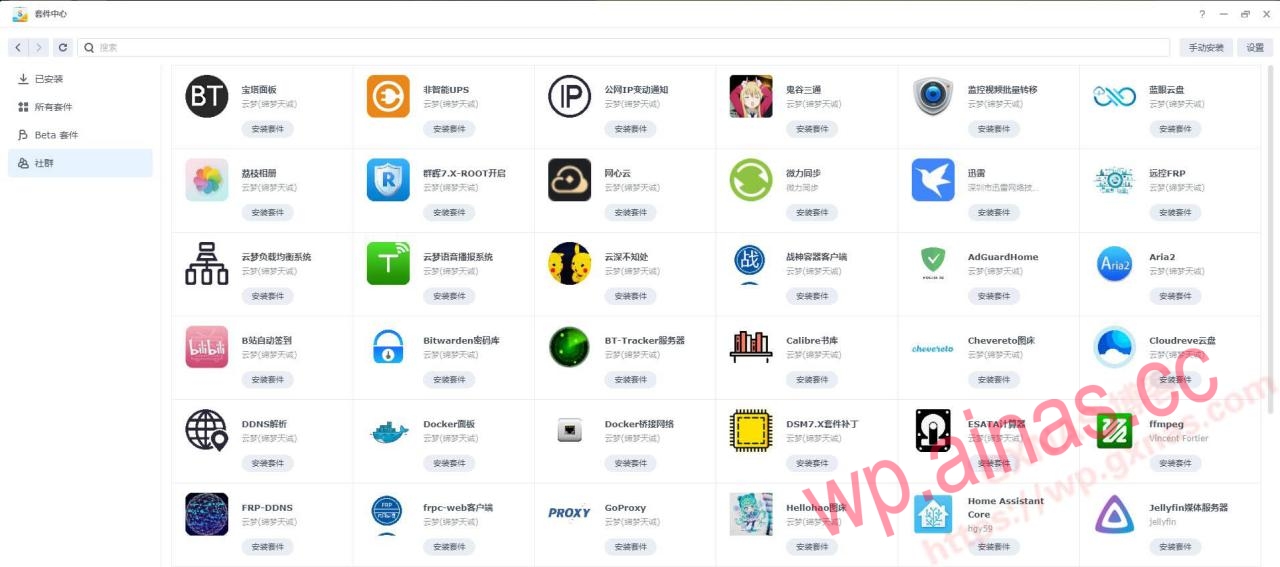
 4. 4sag
1. Kit address: https://spk.4sag.ru/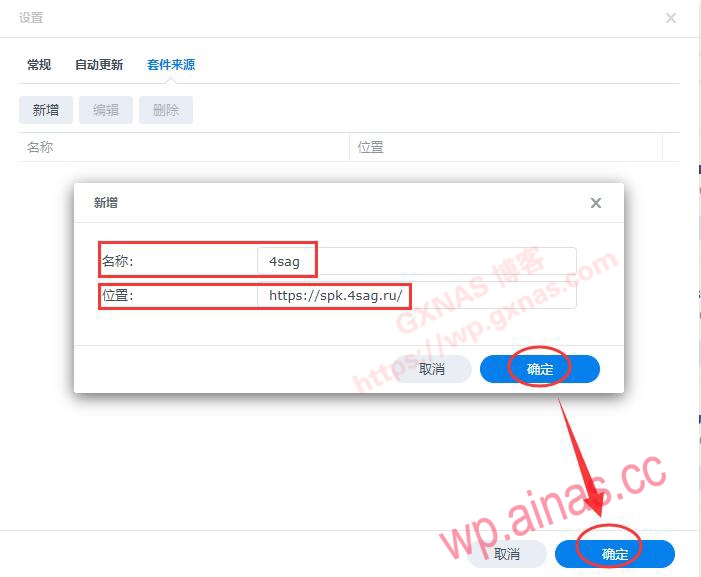 2. Kit list:
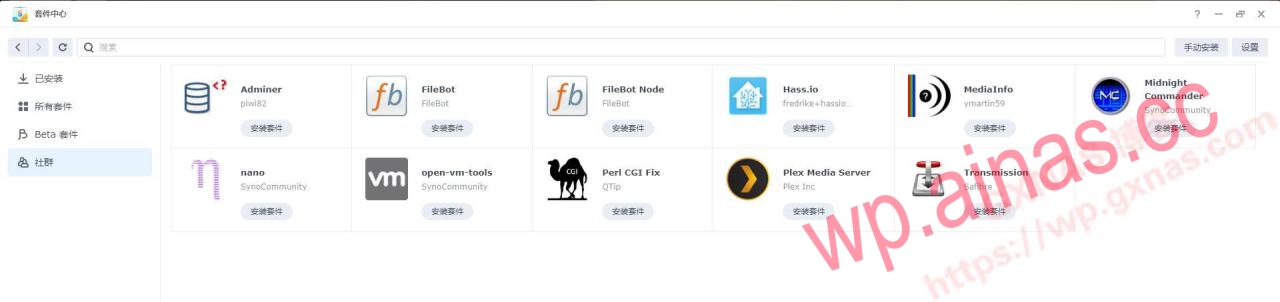 5. The lonely soul under the skirt
1. Kit address:https://spk.bobohome.store:8880
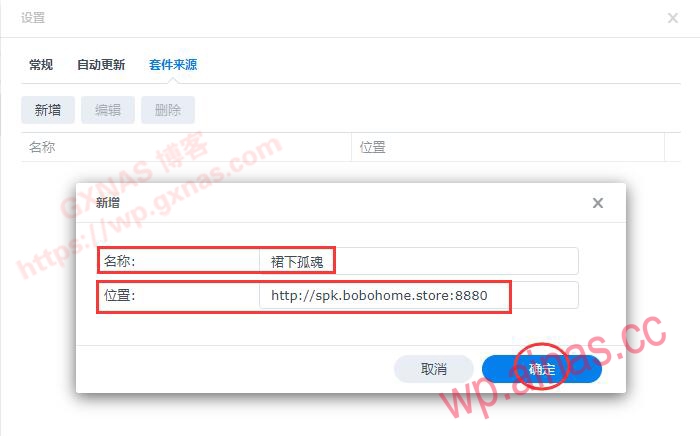 2. Kit list: