Our Location
304 North Cardinal St.
Dorchester Center, MA 02124

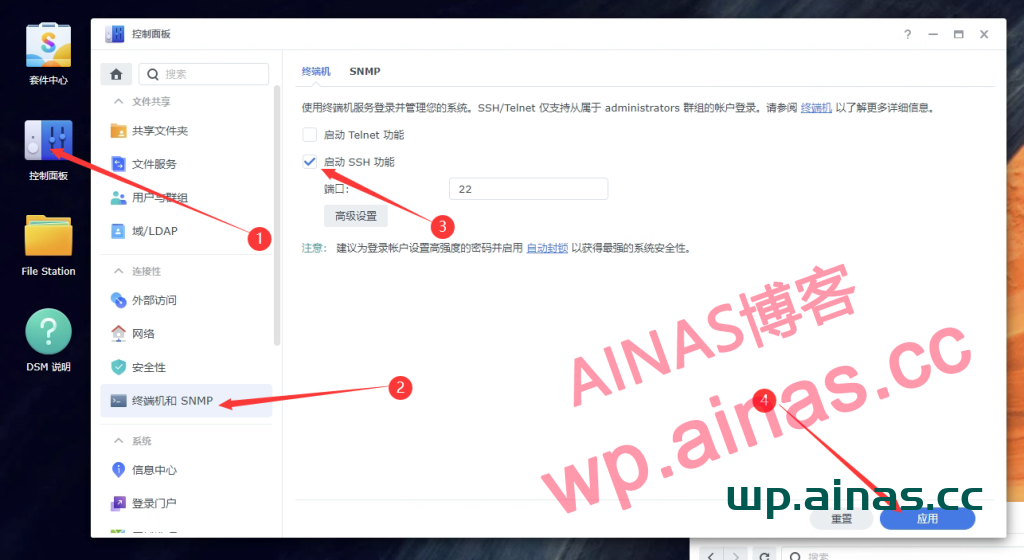
Open the PuTTy client and enter the IP address of Synology

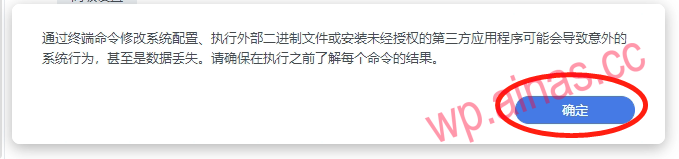
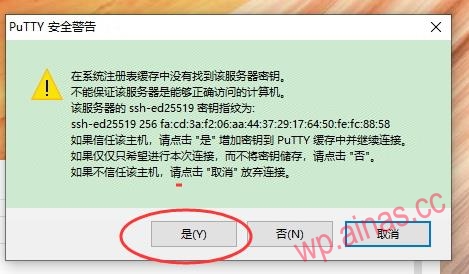
There will be a safety warning when you use it for the first time, click OK
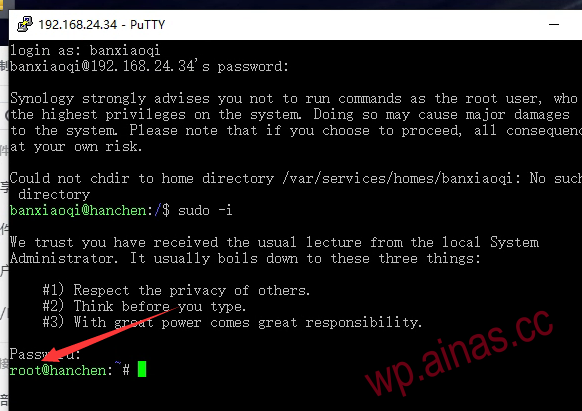
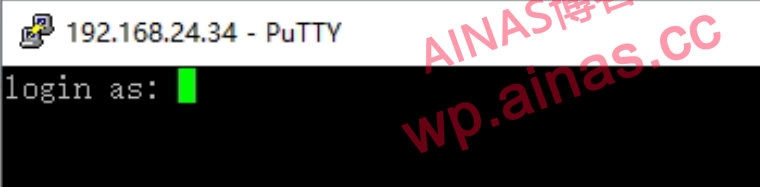
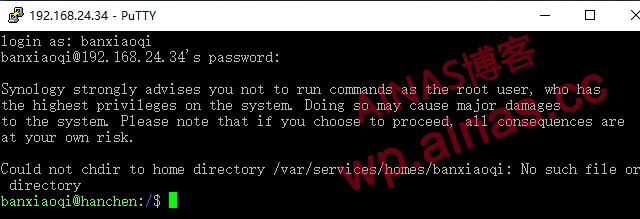
Enter a username with administrator rights and press Enter, then enter your password. Note that there will be no character prompts when entering the password. Press Enter after completing the input.
Next enter sudo -i to obtain root permissions
sudo -iYou will be prompted to enter the password. There will be no prompts when entering the password. Just press Enter after entering it.
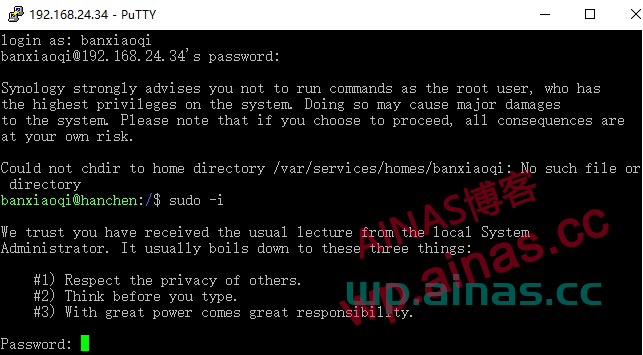
If the username changes to root, it means that root permissions have been obtained.