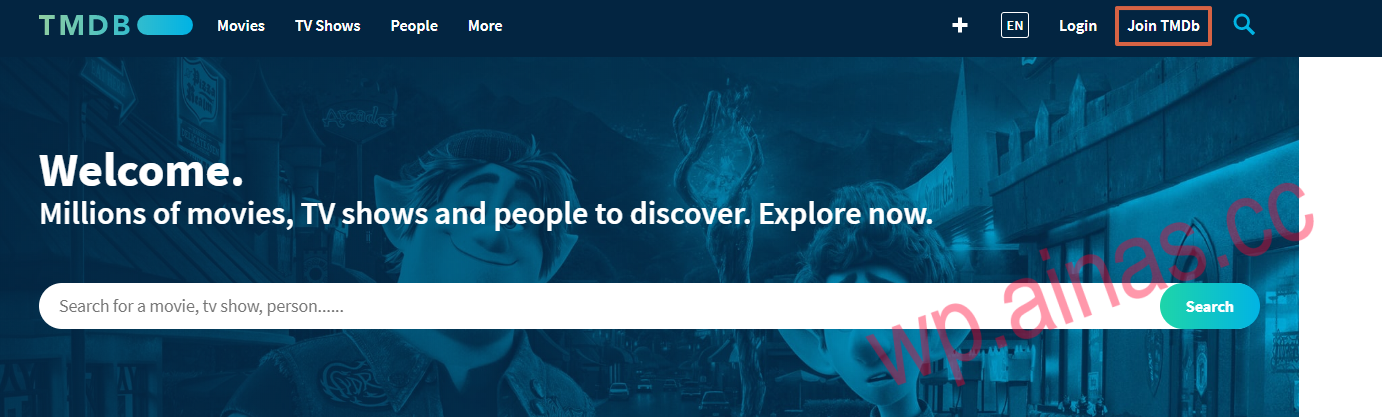
Get the API key from The Movie Database

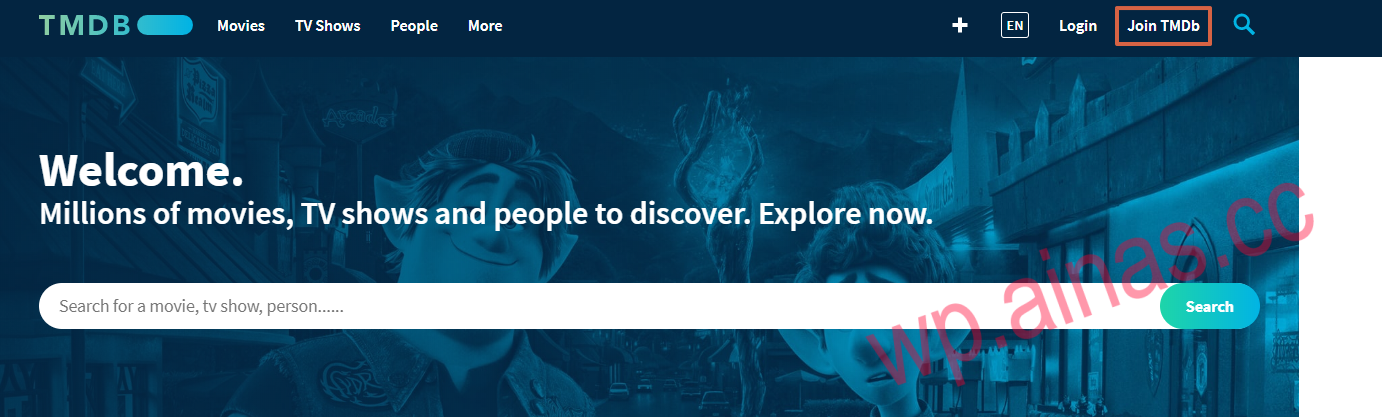
1. inThe Movie DatabaseLog in or create an account on the website.
如何申请 Video Station 中的视频信息插件功能所需的 API 密钥?

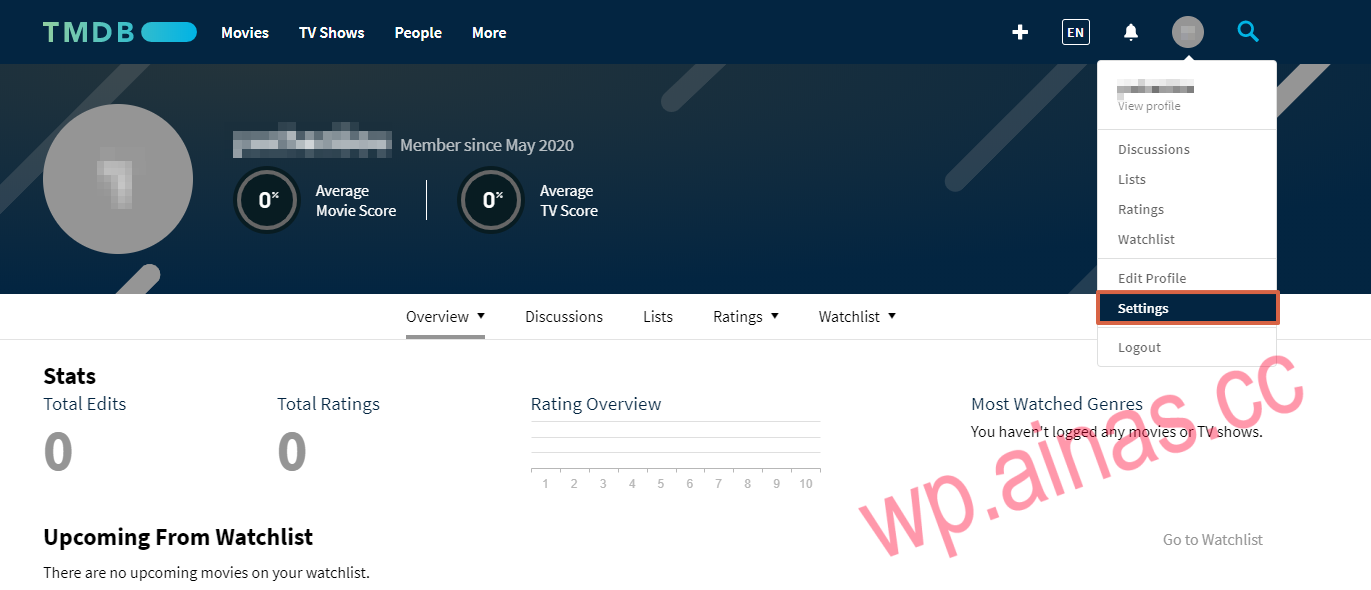
2. Under the “Account” icon, clickSettings.
如何申请 Video Station 中的视频信息插件功能所需的 API 密钥?

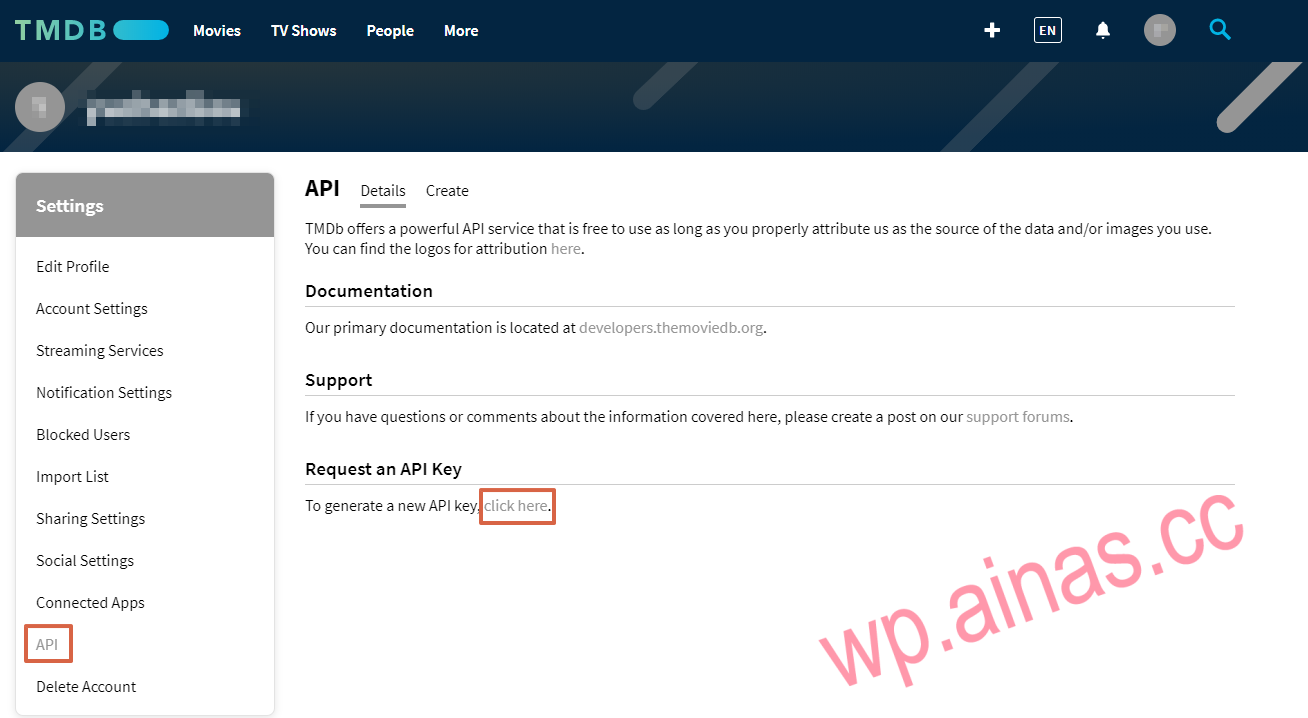
3. On the API page, clickRequest an API KeyLinks under the area.
如何申请 Video Station 中的视频信息插件功能所需的 API 密钥?

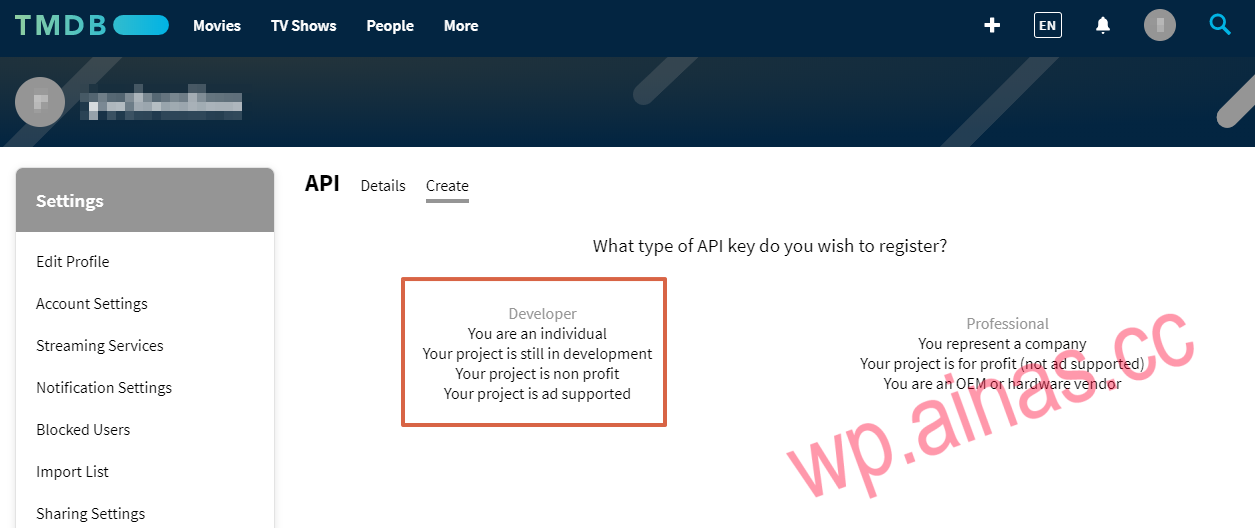
4. WithDeveloperIdentity registration API key.
如何申请 Video Station 中的视频信息插件功能所需的 API 密钥?

5. Agree to the terms of use and fill in the required information:
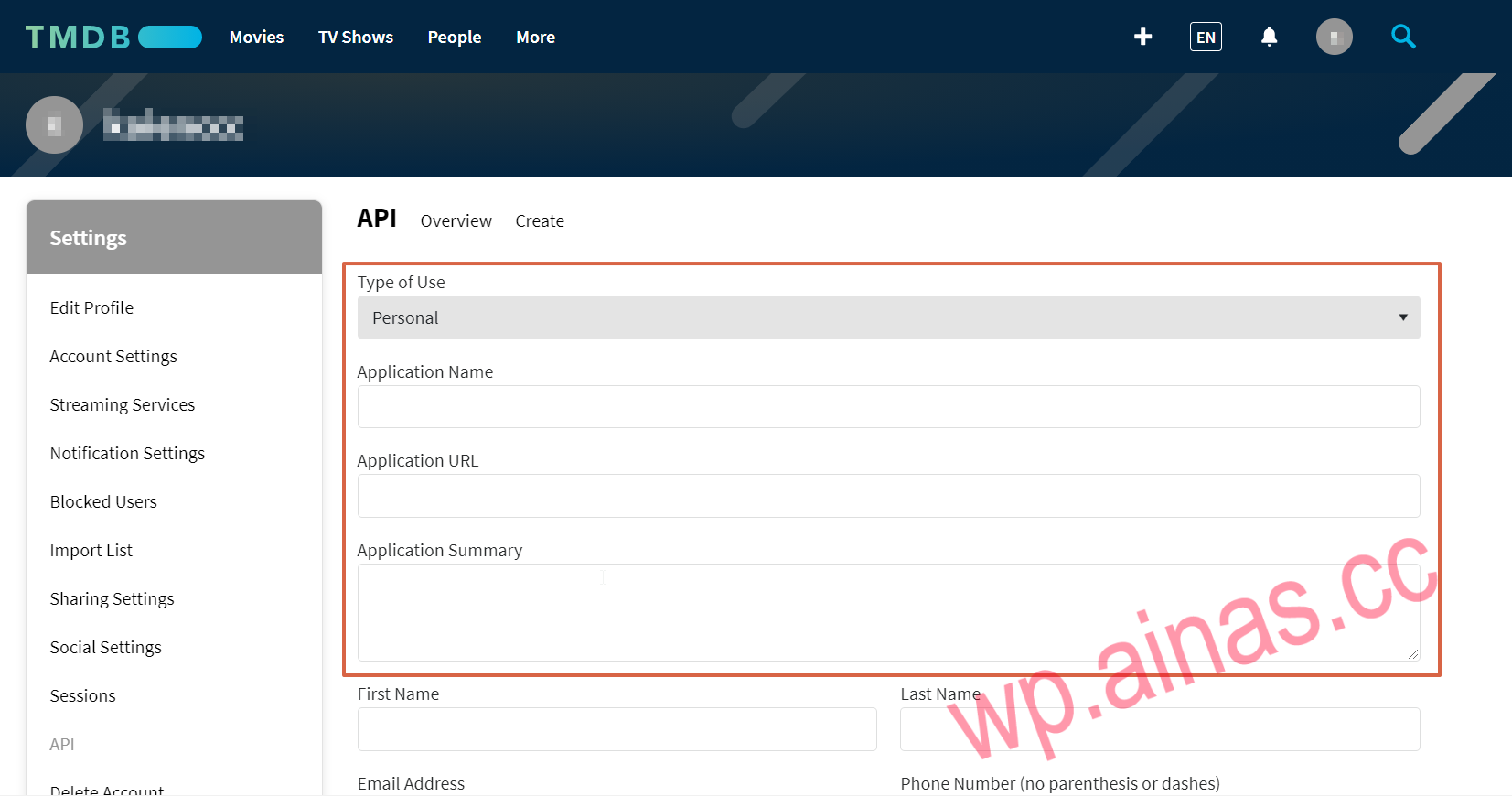
  • Type of Use: Select a type of use from the drop-down menu (for example, Personal).
  • Application Name: Specify the application to use the API key (for example, Video Station).
  • Application URL: Provide the IP address of your Synology NAS.
  • Application Summary: Describe how you will use the API key.
    如何申请 Video Station 中的视频信息插件功能所需的 API 密钥?

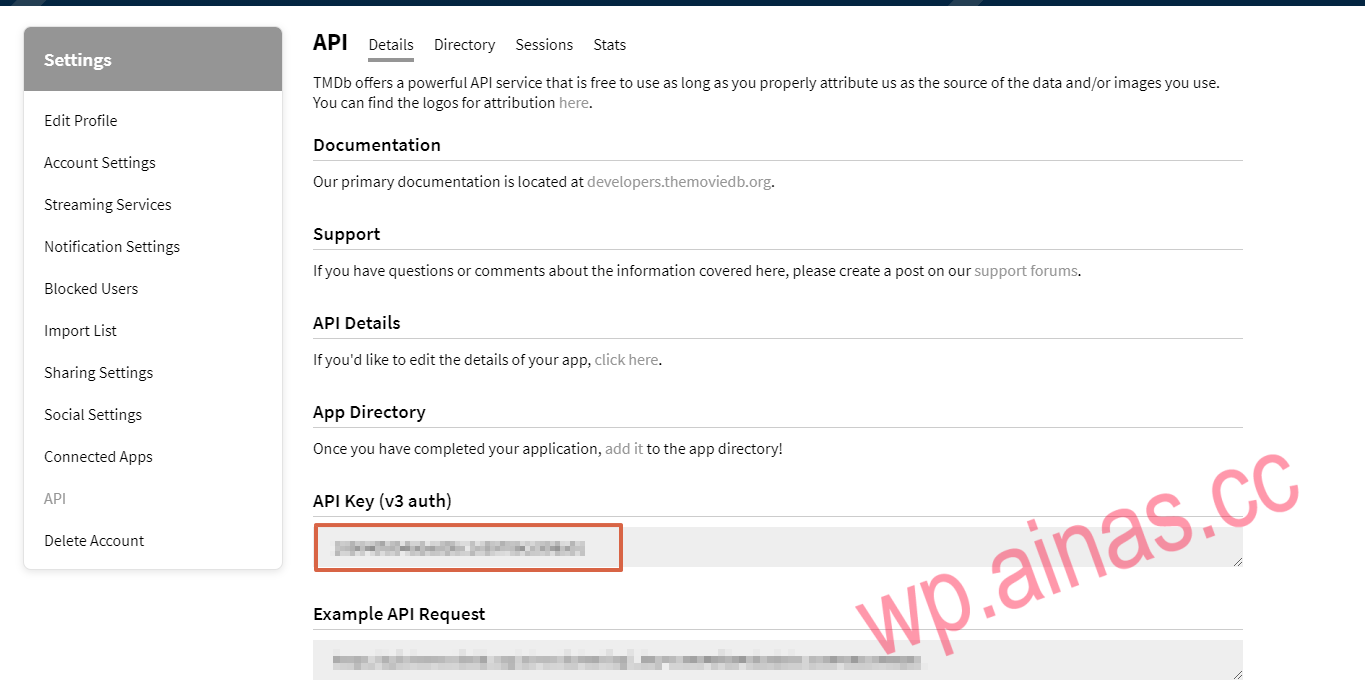
6. You will see the API key displayed inAPI Key (v3 auth) Down.
如何申请 Video Station 中的视频信息插件功能所需的 API 密钥?

    Newsletter Updates

    Enter your email address below and subscribe to our newsletter