Our Location
304 North Cardinal St.
Dorchester Center, MA 02124

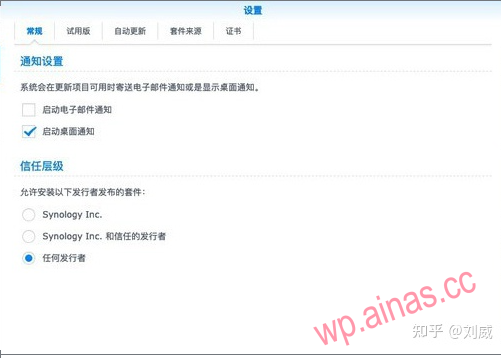
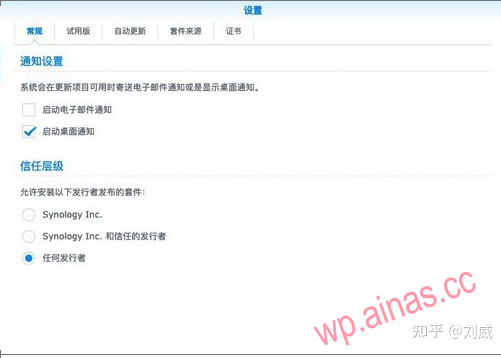
After logging into DSM with a browser, open the Package Center, set the trust level to any publisher, and select the third-party package source in the package source.http://packages.synocommunity.com
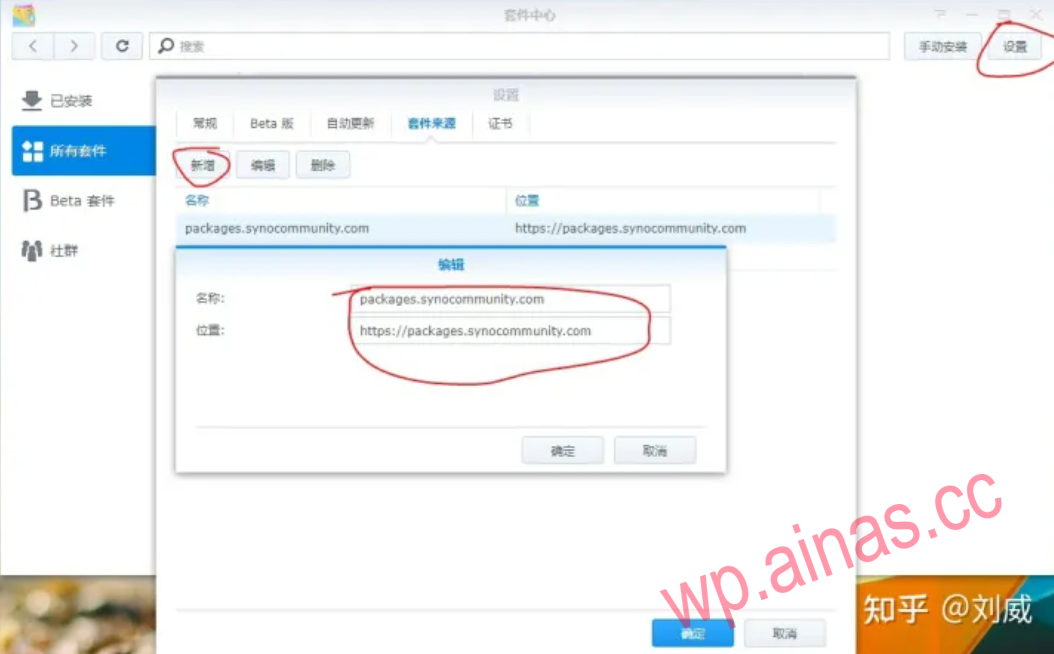 Add packages.synocommunity.com
After the setup is completed, select the community in the lower left corner and find ffmpeg in the package center to install it.
Simply put, replace the ffmpeg that comes with Synology. There are two places in total: one is video transcoding, and the other is taking video thumbnails.
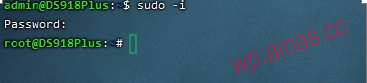
Log in with ssh and enter sudo -i to obtain root permissions
cp /volume1/@appstore/ffmpeg/bin/ffmpeg /volume1/@appstore/VideoStation/bin/cp /volume1/@appstore/ffmpeg/bin/ffmpeg /usr/binReplace volume1 with the storage pool installed by your own suite, such as volume2, volume3, etc.
Support X86 models
Note: Install the moments package in advance. . . 6.2.3 for x86, rebuild index after repair
#Deactivate moments package
wget http://code.imnks.com/6.2.3-EasyFix/patch.shchmod +x patch.sh./patch.sh reboot
Project address:https://github.com/Jlozde/Xpenology-6.2.3-EasyFix
