Our Location
304 North Cardinal St.
Dorchester Center, MA 02124

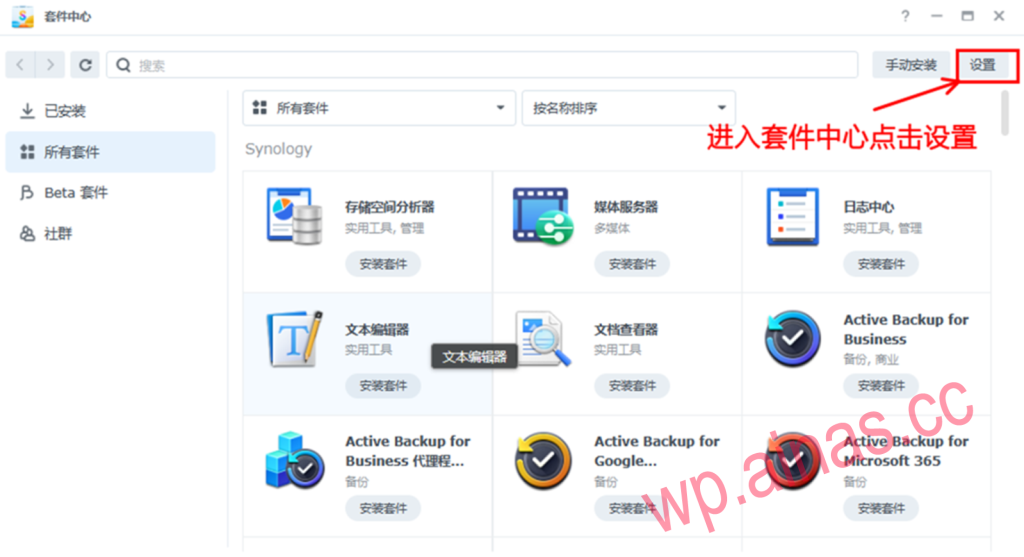
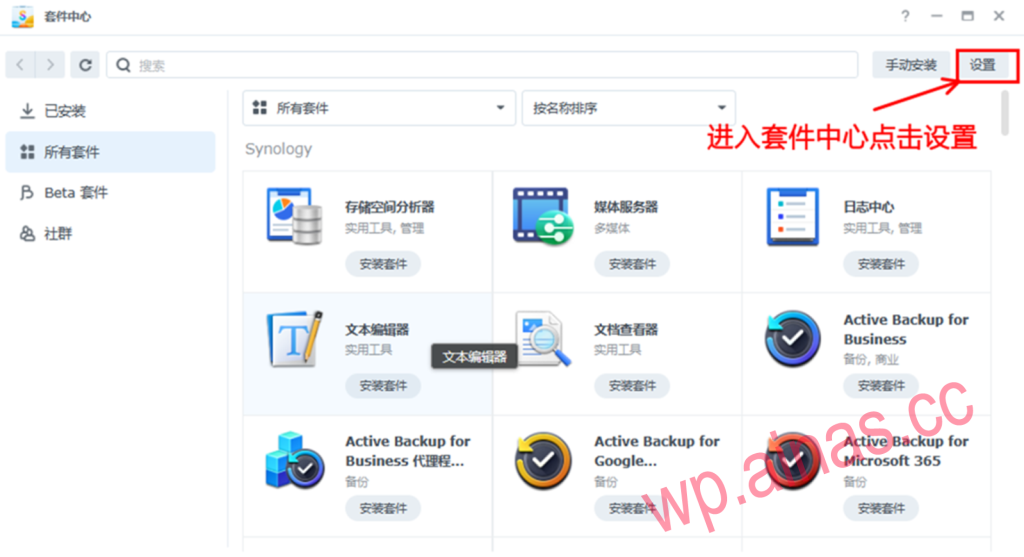
1. Enter the package center and click Settings in the upper right corner.
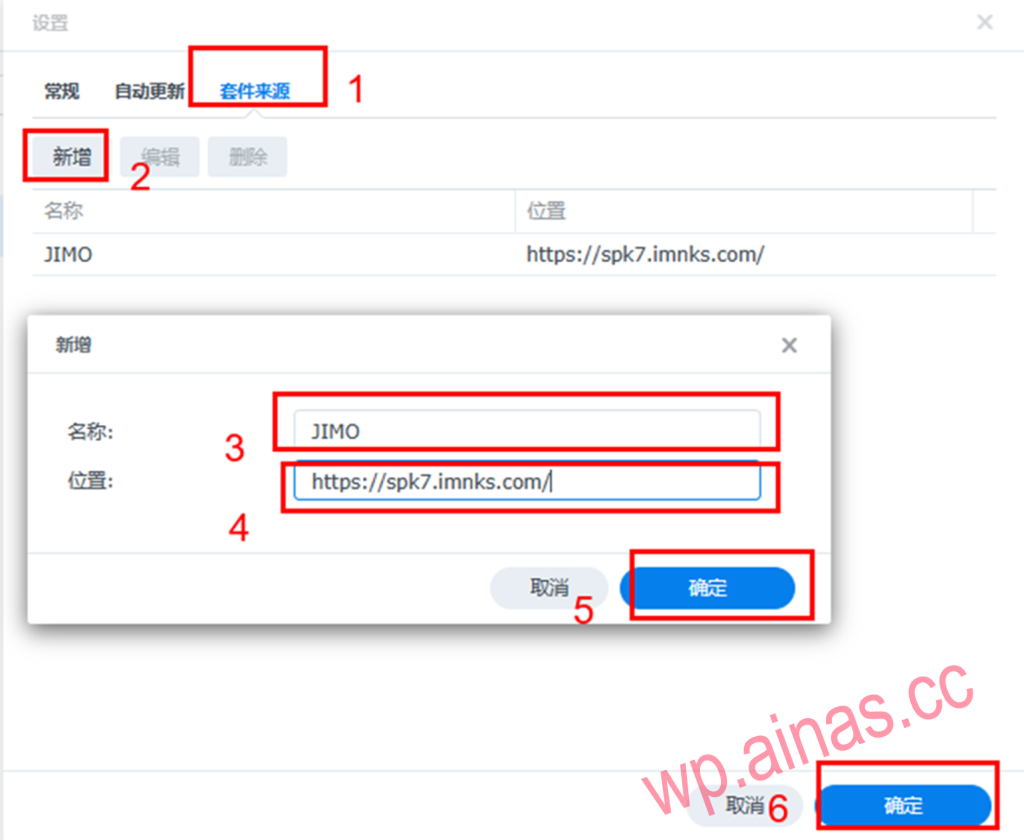
2. After entering the settings, click on the package source, click Add, and add a new package source address.
Name: JIMO
Address: https://spk7.imnks.com/
3. Just see the community appear in the package center
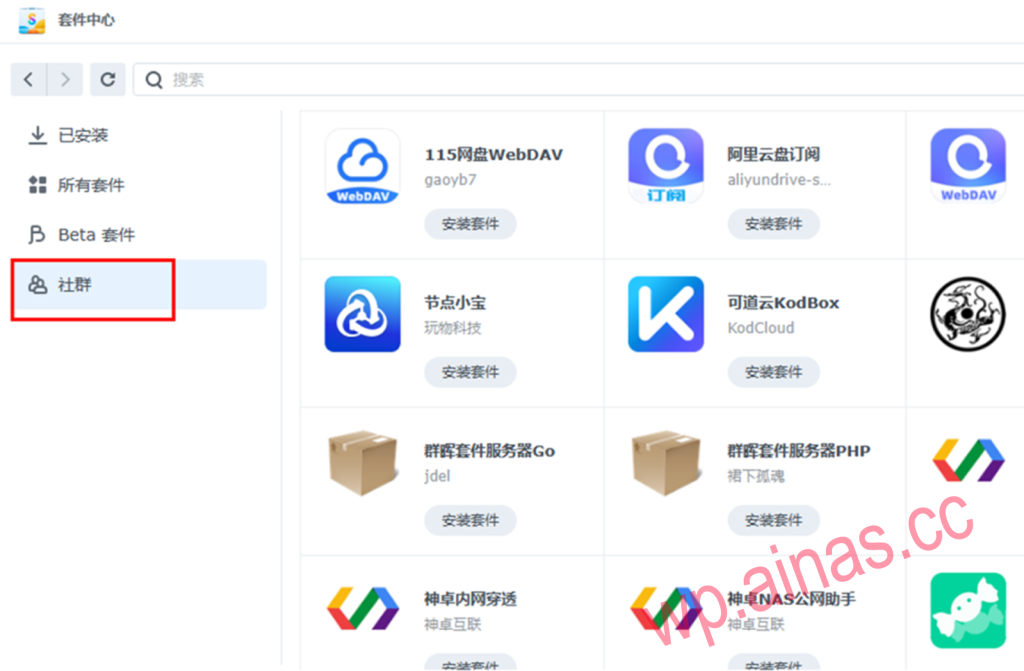
4. Install the DDNS GO package through the community
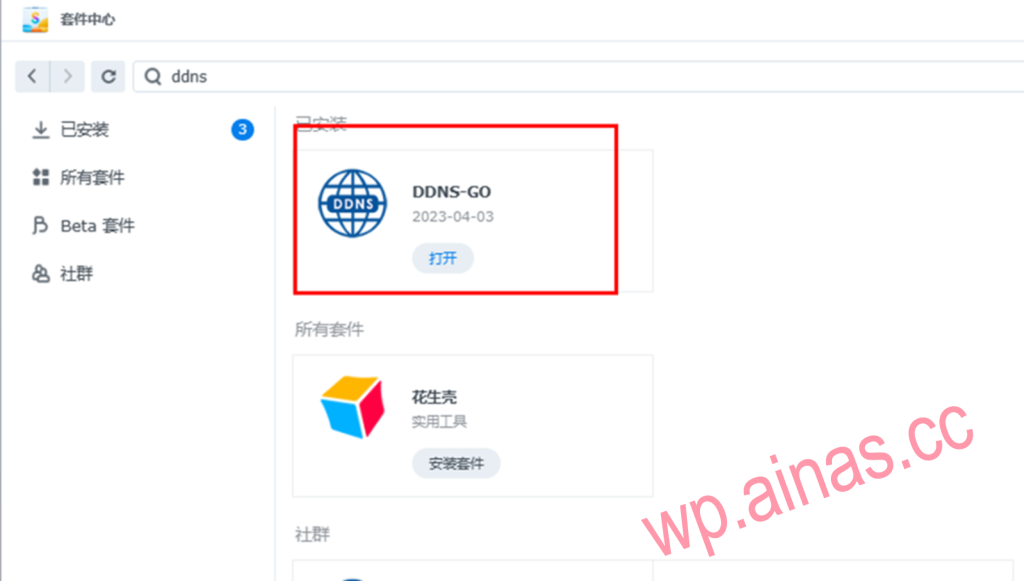
5. Open the DDNS GO suite and select the corresponding supplier
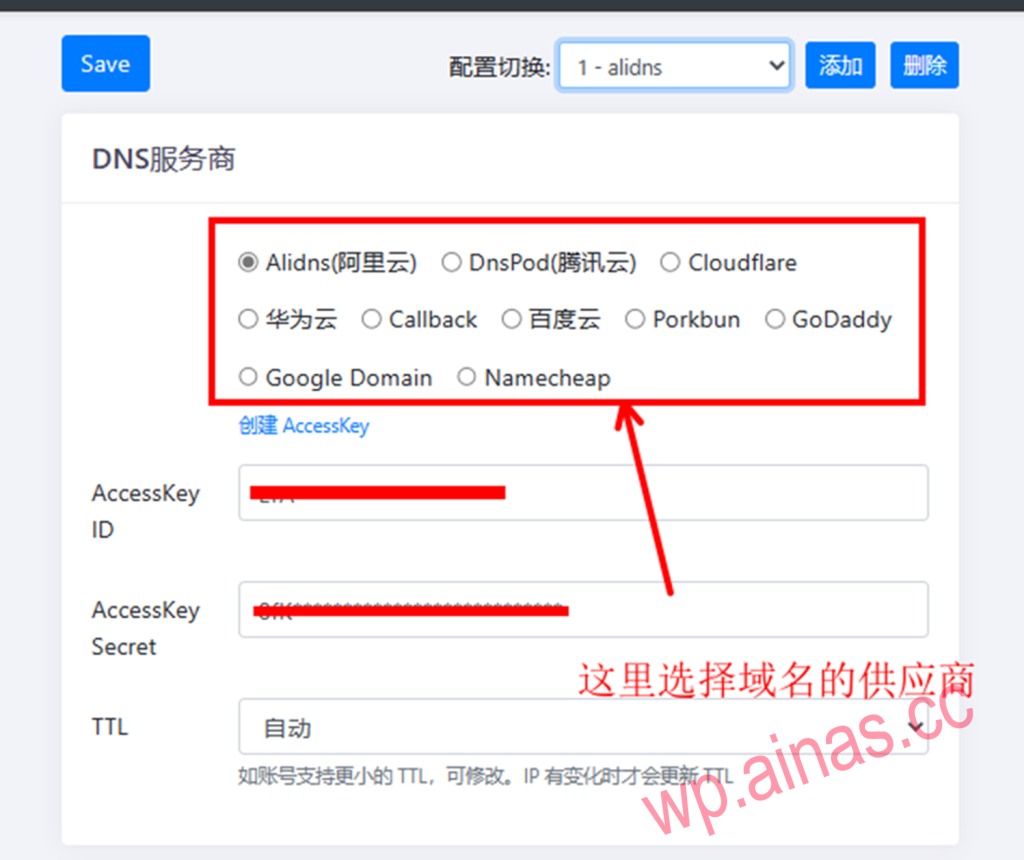
6. Set accessKey ID and AccessKey Secret (take Alibaba Cloud as an example here)
Enter the Alibaba Cloud official website, click the avatar in the upper right corner, and select accesskey
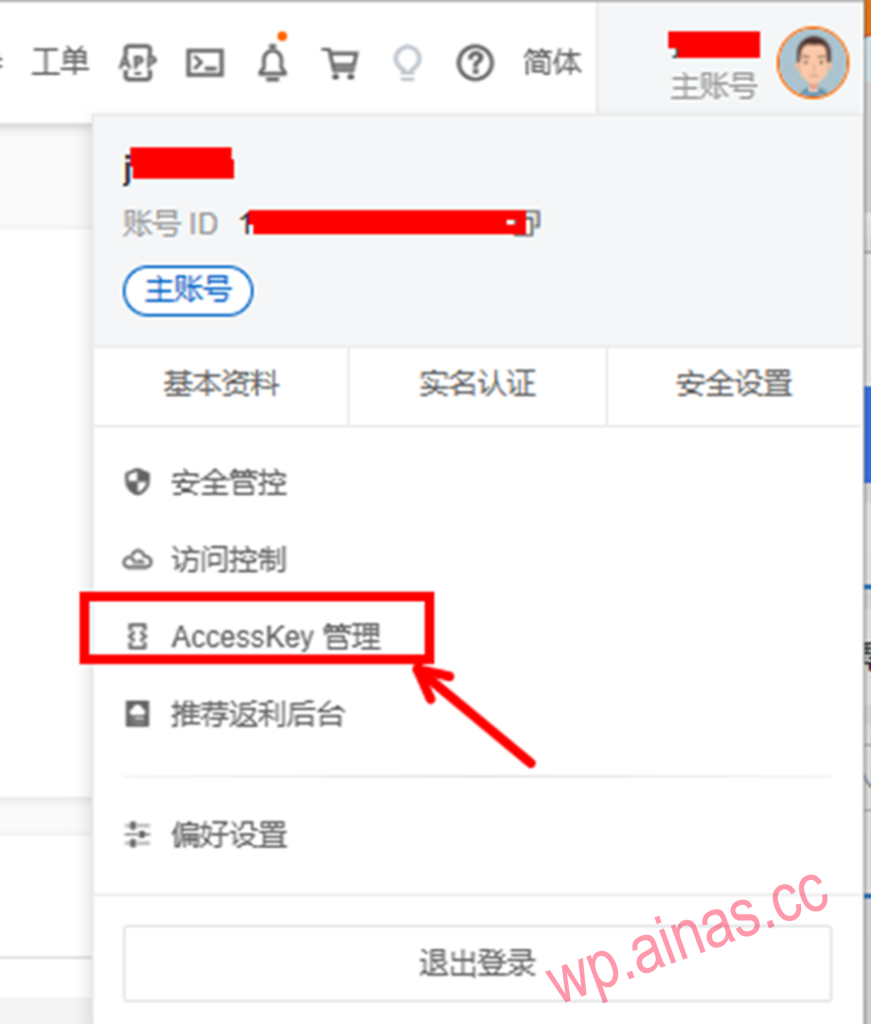
If the following prompt appears, click here
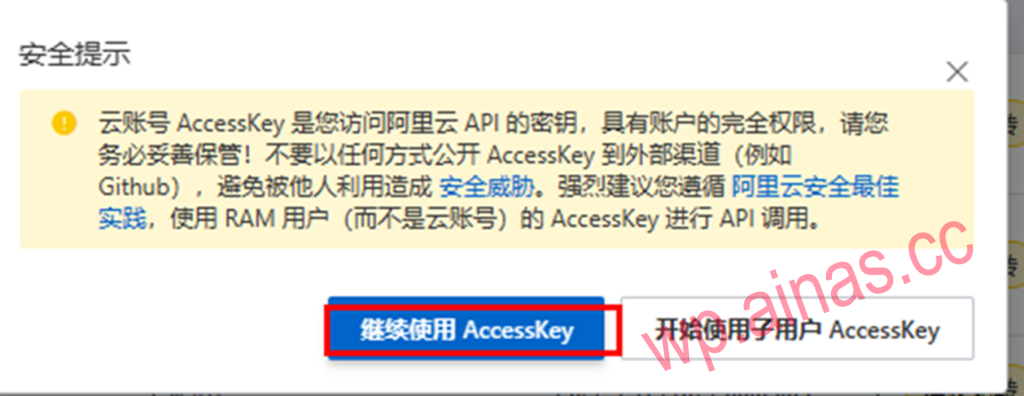
Click Create AccessKey
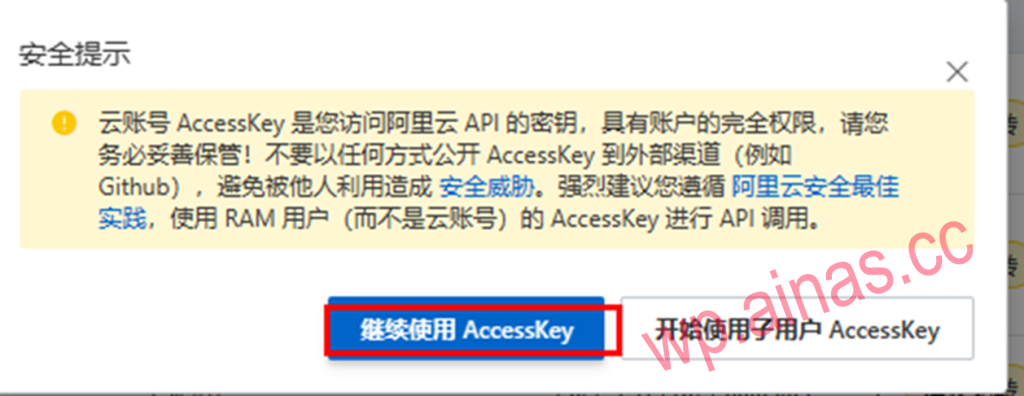
After creation, record the accessKey ID and AccessKey Secret, and fill them in the corresponding fields in DDNS go.
6. Set domain name
Domain name input for Domains, for example, the domain name is: abc.com
If you use abc.com to access directly, enter: @.abc.com
If you need to set your own second-level domain name as the access input: bcd.adb.com (bcd here is defined by yourself)
If you have ipv6, check ipv6 below and the settings are the same as ipv4.
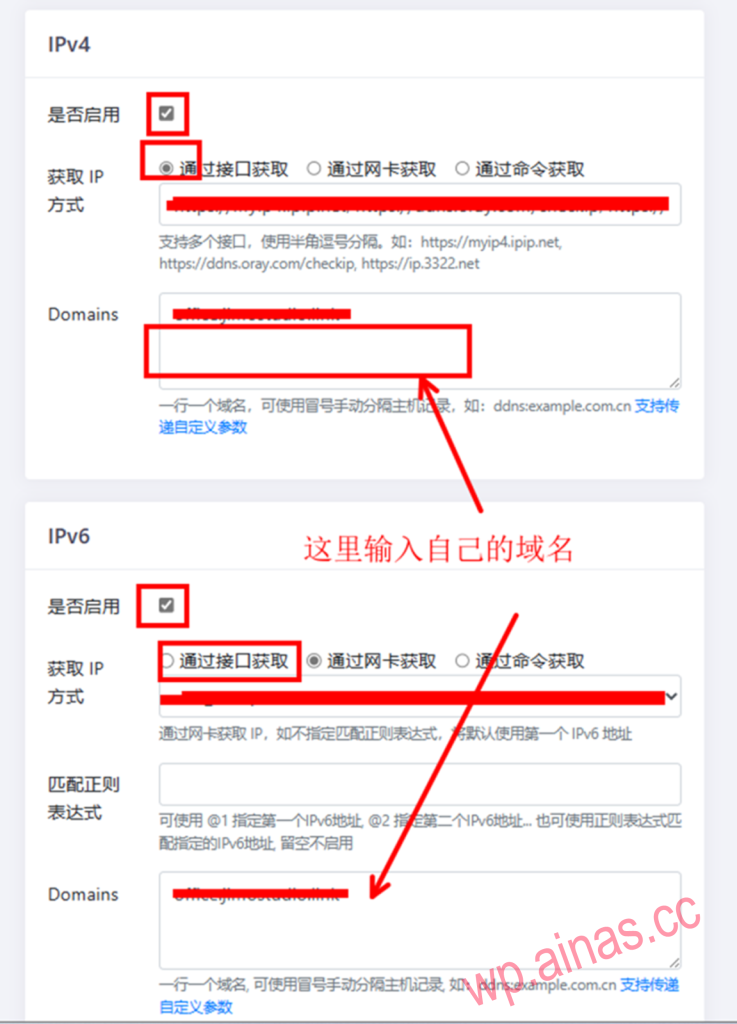
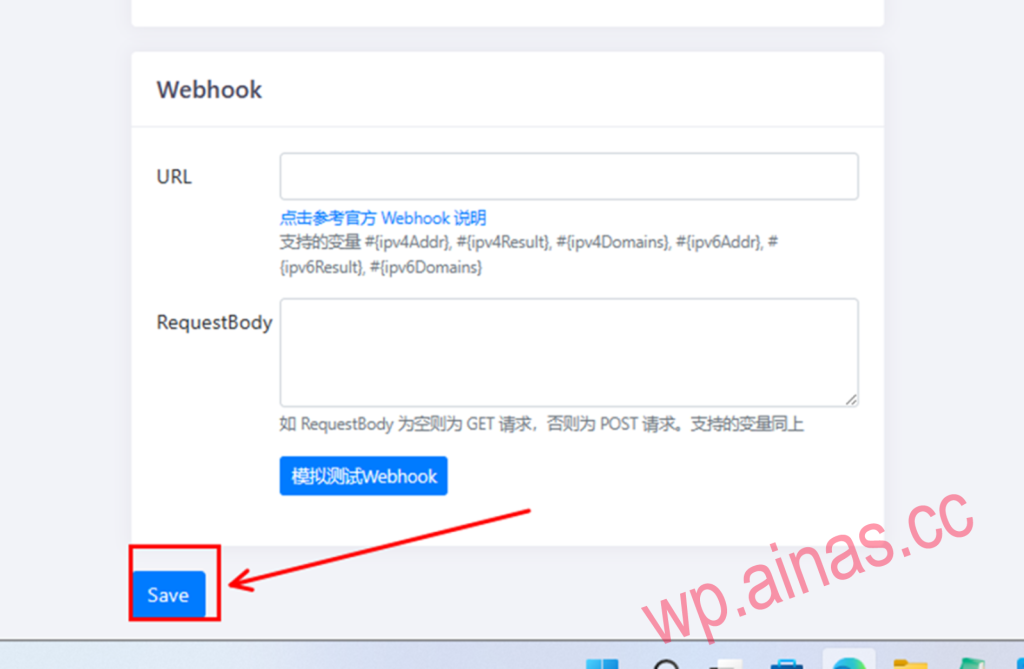
7. Save configuration